Page 08
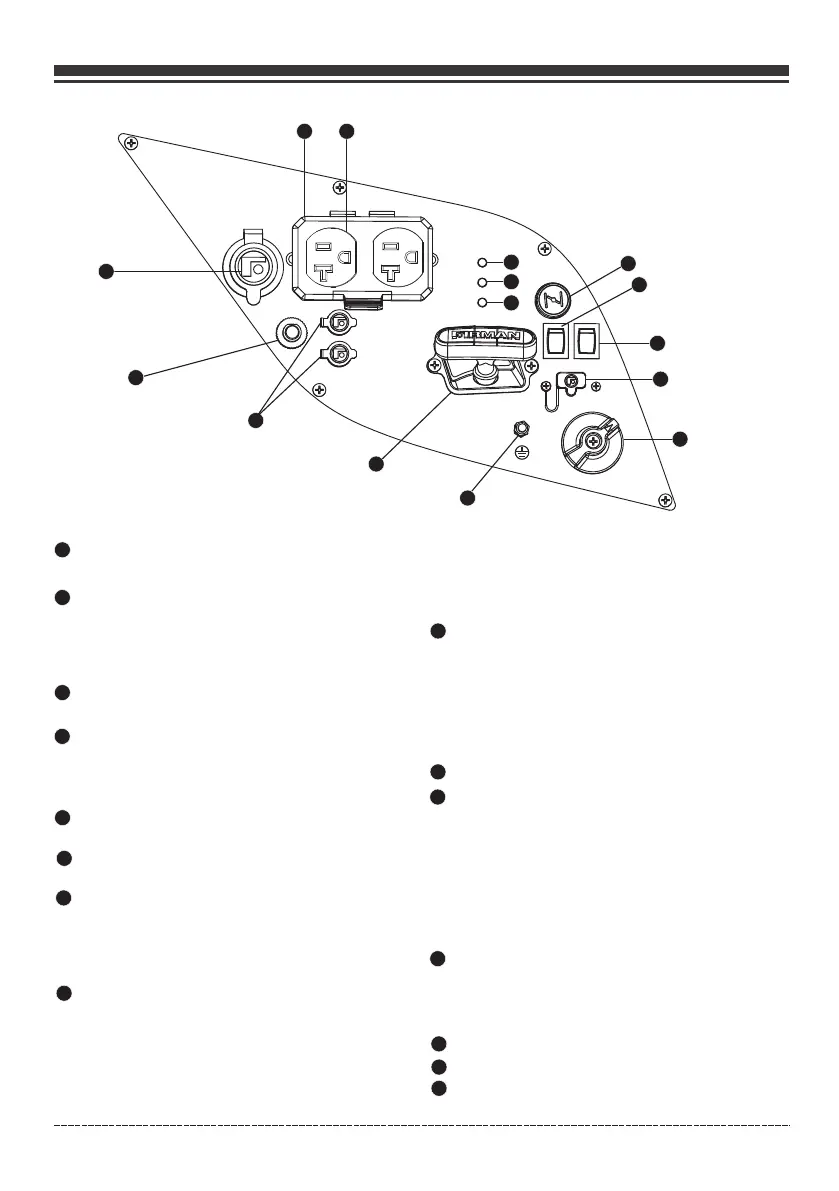
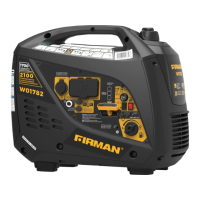
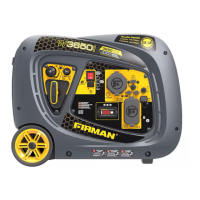
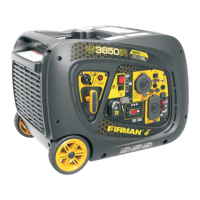
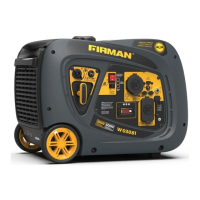
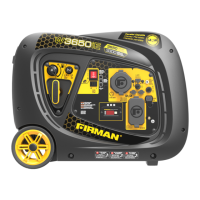
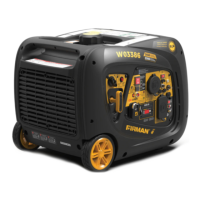
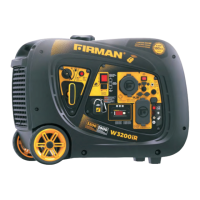
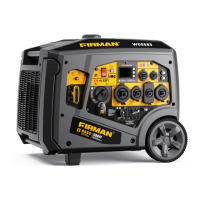
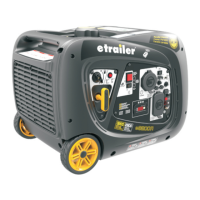
Control Panel
Engine Switch – Flip the switch to the “ON”
position and pull the recoil starter to start
the generator. Turn to the “OFF” position to
turn off the generator.
1
2
3
4
6
Ground Terminal – Consult an electrician for local
grounding regulations.
120V, 20A Duplex – (NEMA 5-20R) 20 Amp of current
may be drawn from this 120 Volt receptacle.
Total power drawn from all receptacles must not exceed the name plate rating.
NOTE:
Outlet Cover - Protect the receptacles from dust
and debris.
English Customer Service: 1-844-FIRMAN1
1
3
2
4
56
7
8
9
10
11
12
13
14
12V DC outlet – 5 Amp of DC current may be drawn
from this receptacle.
Use this outlet to charge 12V automotive type
batteries ONLY. See 12V DC outlet (Battery
Charger) section.
Parallel Operation Outlets - These outlets are used
for connecting two FIRMAN inverter generators for
parallel operation. A FIRMAN parallel kit(optional
equipment) is required for parallel operation.
DC Circuit Breaker - The circuit protector may be reset
by pushing the button of the protector.
5
7
Oil Warning Indicator Light – Check oil level when
this light turns “ON”. Engine will not run when
indicator is lit.
8
Overload Indicator Light – This light turns “ON”
when the generator is overloaded and will cut
power to the receptacles.
9
Output Ready Indicator Light – Remains “ON”
during normal operating conditions. Shuts “OFF”
when generator is overloaded.
10
11
Choke Knob
Economy Control Switch
12
The Economy Control switch can be activated in order to
minimize fuel consumption and noise while operating the
unit during times of reduced electrical output, allowing
the engine speed to idle during periods of non-use. The
engine speed returns to normal when an electrical load is
connected. When the economy switch is off, the engine
runs at normal speed continuously.
13
14
Fuel Valve Knob
5V USB Outlet
15
15
Recoil Stater
When the oil falls below the minimum level, the oil
warning indicator light comes on and the engine
stops automatically. The engine will not start until
the proper amount of oil is in the crank case.
The green AC Power Indicator Light comes on
when the engine starts and generates power.
If the engine overload indicator light comes on, the
generator’s wattage / amperage capacity has been
exceeded by connected electrical devices or by a
power surge. When this occurs, the green AC Power
Indicator Light(Item 7) will go off. The engine will
continue to run, but the red Engine Overload Indicator
Light will stay on and power will no longer be supplied
to connected electronic devices.


 To Next Page