Page 5
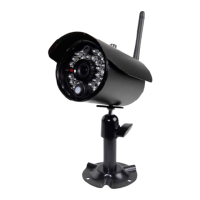
Installing camera
Step 1: Select the position for the camera and drill holes for the anchors using the mounting bracket as a
template. (Screws and anchors are supplied. Use an appropriate screw type for the mounting surface.)
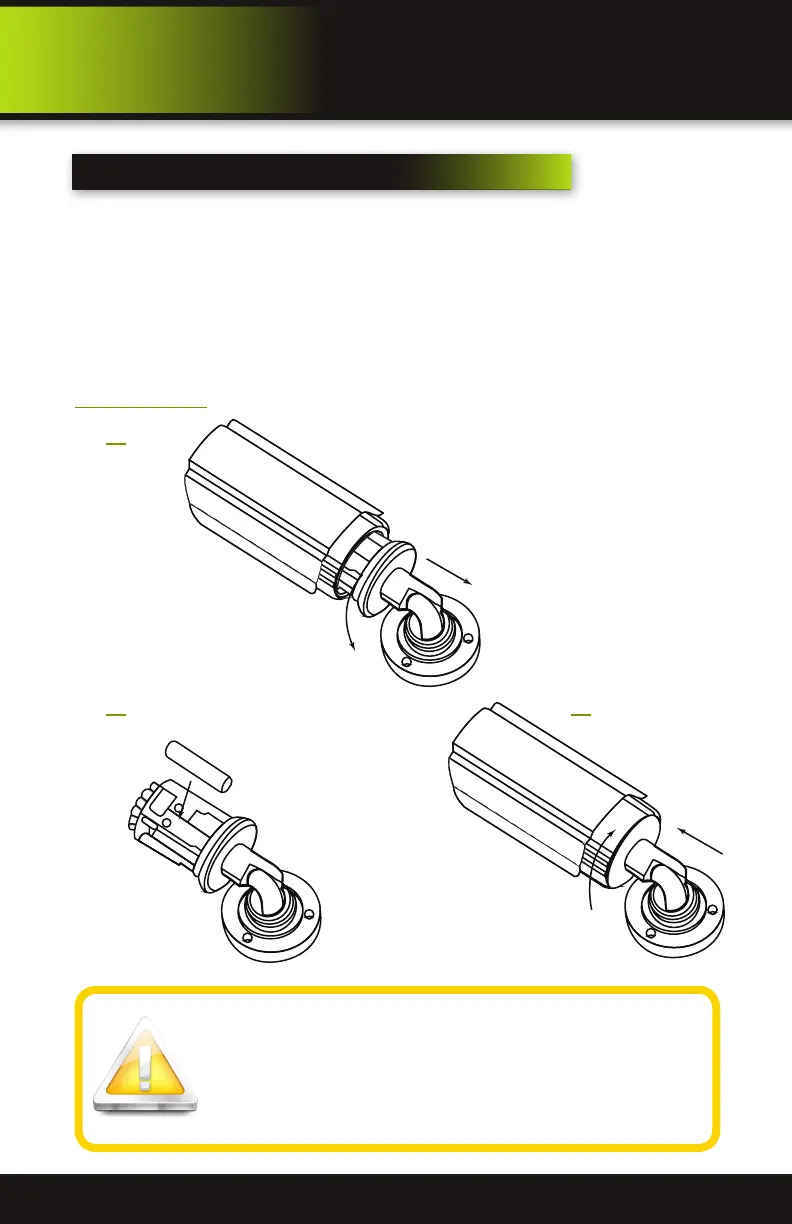
Step 2: : Twist housing 20 degrees to the left counter clockwise to open the casing, then insert two AAA
batteries into the battery compartment according to “+ - polarity markers”. Note: Be careful not to
push on glass lens as it may become dislodged.
Step 3: Insert camera body back into camera housing and rotate the casing right, clockwise.
Step 4: Attach the camera to the wall or ceiling and tighten screws.
Battery Replacement - Instructions for Use
Always purchase the correct size and grade of battery most suitable for in-
tended use. Replace all batteries of a set at the same time. Clean the battery
contacts and also those of the device prior to battery installation. Ensure
the batteries are installed correctly with regard to polarity (+ and -). Remove
batteries from equipment that is not to be used for an extended period of
time. Remove used batteries promptly.
product overview
Installation
Install Batteries
1
2 3


 To Next Page