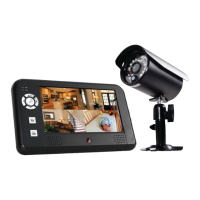
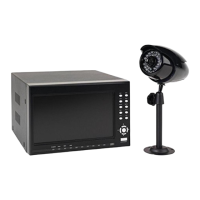
Setting Up Your D-520 Security Camera
Model D-520 User's Manual
4
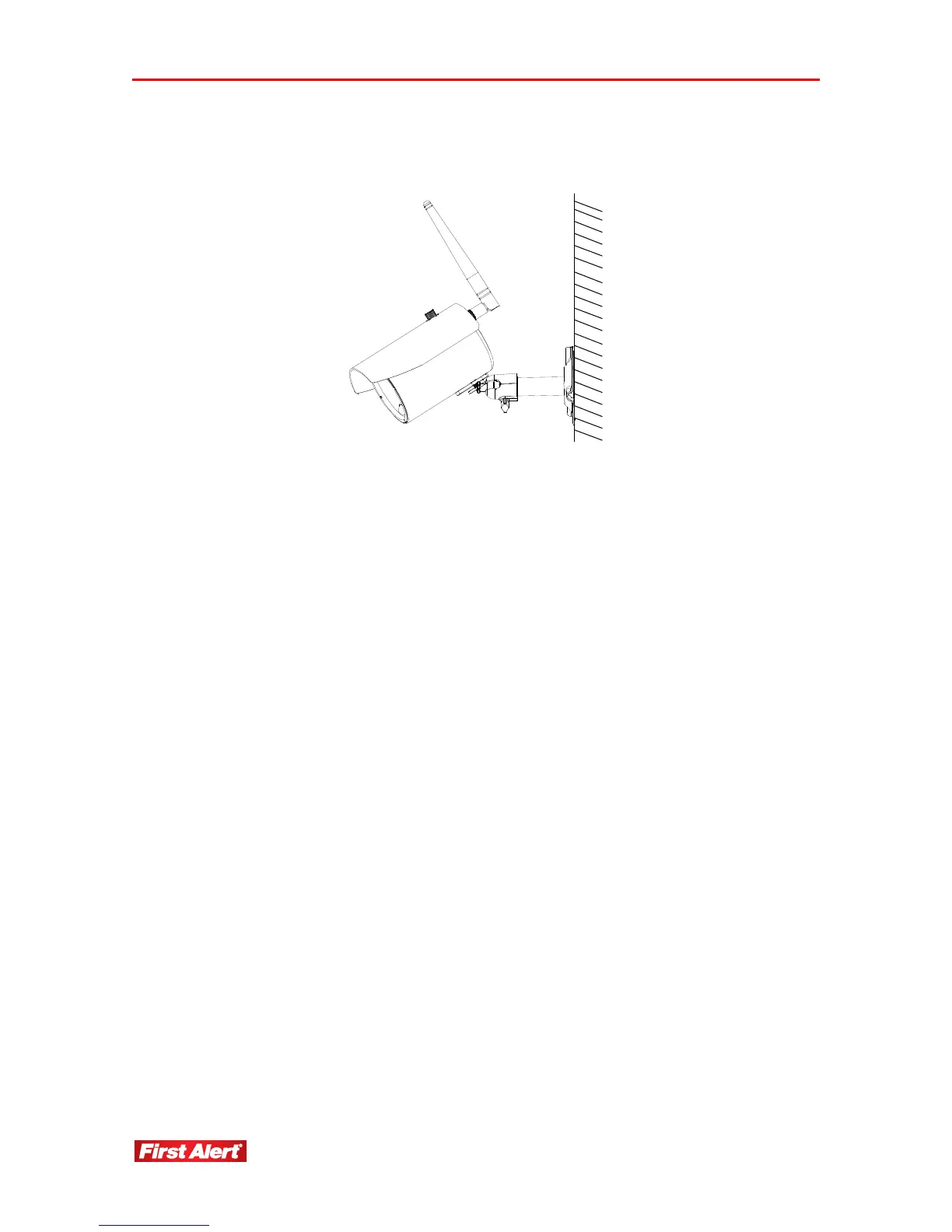
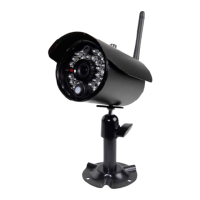
3 Adjust camera to the proper view angle. Make sure the lens is upright relative to your
subject. Tighten the thumb bolt.
4 Screw the antenna into place on the rear of the camera. Adjust the antenna to an
upright position.
5 Plug the power cable end into the camera, and then plug the adapter end into an
electric outlet.
Note: If pairing (linking) an additional camera, follow the steps on the receiver menu.


 To Next Page