3
Setting Up Your
Model D-520 Camera
GENERAL PRECAUTIONS
Use only the power supply provided with the system.
Unplug the power supply when the system is not in use for extended periods.
Do not place the camera near a radiator, vent, or other place where it might be
exposed to heat, moisture, dust, vibrations, or strong magnetic fields.
Do not attempt to repair the camera. Contact a qualified technician for service. Any
change or modification may damage the equipment and invalidate the warranty.
When installing the camera, follow manufacturer’s advice when using power tools,
steps, ladders, etc. and wear suitable protective equipment (e.g., safety goggles)
when drilling holes. Before drilling holes through a ceiling, check for hidden
electricity cables and water pipes.
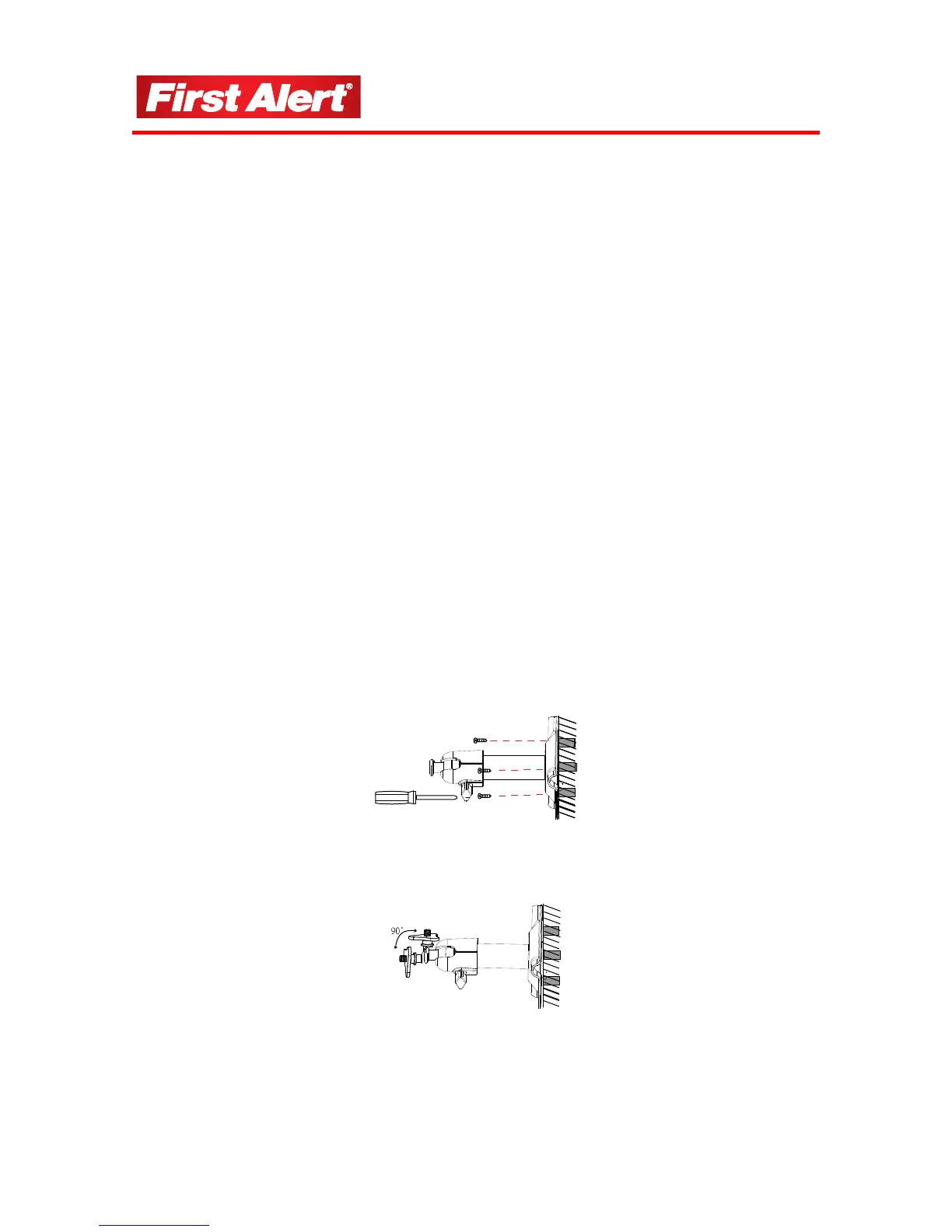
INSTALLING THE CAMERA
1
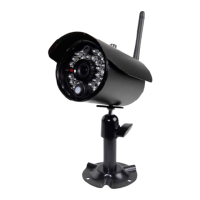
Select the position for the camera and secure the camera stand.
Screws and anchors are supplied. Use an appropriate screw type for the mounting surface.
2 Screw the camera onto the bracket.


 To Next Page