Technical Support: 1-800-966-5520 - Option 3 Customer Service: 1-800-966-5520 - Option 4
www.electronicpayments.com
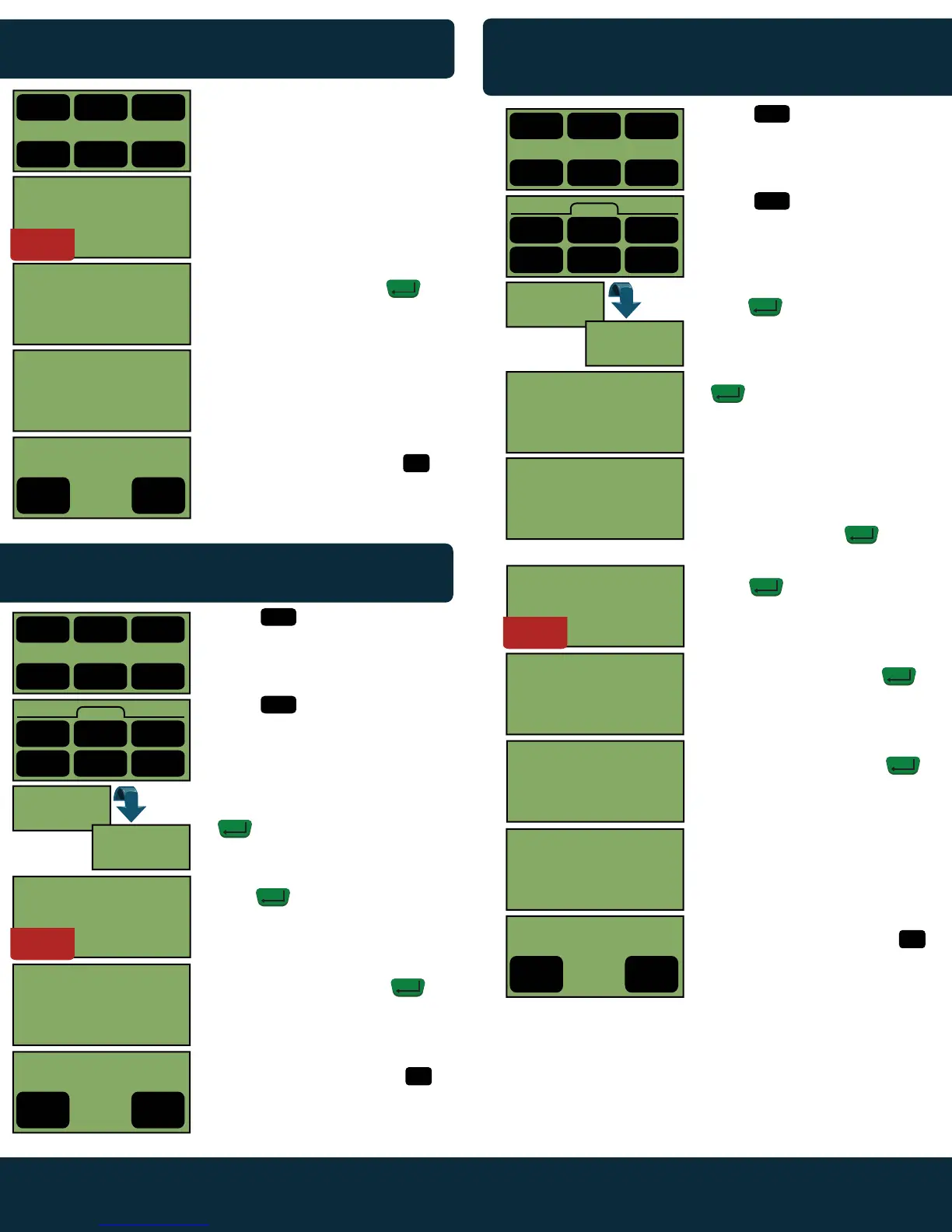
CREDIT CARD RETURN
Screen Display Action
MANUAL ENTRY CREDIT CARD
SALE
Screen Display Action
1.
2.
3.
4.
5.
Swipe the credit card.
Enter Server # if prompted.
*** Not Available on All Terminals***
Enter amount of sale (no need to
enter decimal). Then press .
Terminal will dial out to obtain
authorization. Merchant’s copy of
the receipt will begin printing once
complete (text in display may vary).
Tear off the merchant copy for the
customer to sign. Then touch
to print customer’s copy. Terminal will
return to the idle prompt.
CREDIT CARD SALE
Screen Display Action
MM/DD/YYY HH:MM
1 2 3
Credit Debit EBT
4 5 6
Gift Check System
SERVER ID
SERVER ID
ZIP CODE
PROCESSING
(CARD TYPE) SALE
ENTER AMOUNT
$0.00
Yes
No
PRINT
CUSTOMER RECEIPT?
4
Yes
4
5
1.
2.
3.
4.
5.
6.
7.
8.
9.
10.
Touch .
Touch .
Enter credit card number, then
press .
Enter expiration date, then press
.
Enter the CVV2 code that is found
on the back of the customer’s card
in the signature strip (CVV2 code
located on the front of American
Express.)Then press .
Enter Server # if prompted, then
press .
*** Not Available on All Terminals***
Enter amount of sale (no need to
enter decimal). Then press .
Enter the Zip Code that the credit
card is billed to. Then press .
Terminal will dial out to obtain
authorization. Merchant’s copy of
the receipt will begin printing once
complete (text in display may vary).
Tear off the merchant copy for the
customer to sign. Then touch
to print customer’s copy. Terminal
will then return to the idle prompt.
MM/DD/YYY HH:MM
1 2 3
Credit Debit EBT
4 5 6
Gift Check System
Credit
1 3
Sale
1
Sale
1
Credit
Force
4 5 6
<Back Tips More>
CREDIT SALE
SWIPE CARD
ENTER ACCOUNT #
XXXXXXXXXXXXXXXX
EXPIRE DATE MMYY
ENTER CARD CODE
PROCESSING
(CARD TYPE) SALE
ENTER AMOUNT
$0.00
Yes
No
PRINT
CUSTOMER RECEIPT?
4
Yes
4
5
2
Refund
ENTER
ENTER
ENTER
ENTER
ENTER
ENTER
ENTER
SERVER ID
1.
2.
3.
4.
5.
6.
Touch .
Touch .
Swipe the credit card or enter credit
card number manually, then press
.
Enter Server # if prompted, then
press .
*** Not Available on All Terminals***
Enter amount of refund (no need to
enter decimal). Then press .
Merchant’s copy of the receipt will
begin printing once complete.
Tear off the merchant copy for the
customer to sign. Then touch
to print customer’s copy. Terminal
will return to the idle prompt.
MM/DD/YYY HH:MM
1 2 3
Credit Debit EBT
4 5 6
Gift Check System
Credit
1 3
Sale
2
Refund
1
Credit
Force
4 5 6
<Back Tips More>
CREDIT REFUND
SWIPE CARD
(CARD TYPE) REFUND
ENTER AMOUNT
$0.00
Yes
No
PRINT
CUSTOMER RECEIPT?
4
Yes
4
5
2
Refund
ENTER
ENTER
ENTER
RESTAURANT
ONLY
RESTAURANT
ONLY
RESTAURANT
ONLY
ENTER ACCOUNT #
XXXXXXXXXXXXXXXX



 To Next Page