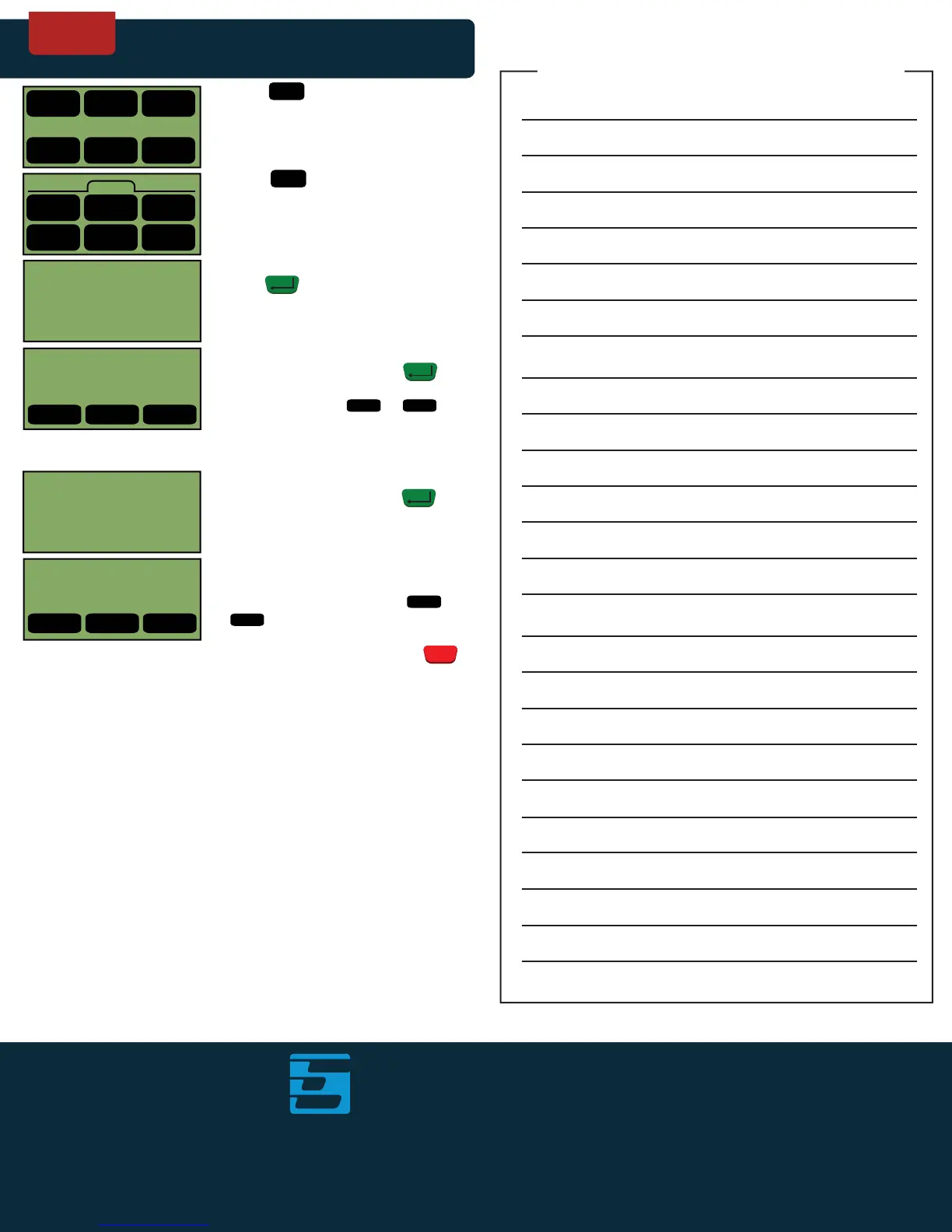
ADDING A TIP
Screen Display Action
only available on
terminals with tip processing
RESTAURANT
ONLY
ElectronicPayments
innovation through every transaction
TM
1161 Scott Avenue, Calverton, New York 11933
Technical Support: 1-800-966-5520 - Option 3 | Customer Service: 1-800-966-5520 - Option 4
Phone: 1-800-966-5520 | Fax: 1-866-780-7587
www.electronicpayments.com
© Electronic Payments, Inc. All Rights Reserved.
4
<Prev
6
Next>
4
<Prev
6
Next>
ENTER
1
Credit
1.
2.
3.
4.
5.
6.
Touch .
Touch .
Enter transaction number, then
press .
The terminal will now display the
selected transaction. Press to
void the transaction shown on screen.
Alternatively touch or to
cycle through other transactions in
the terminal.
Enter the new tip amount (no need to
enter decimal). Then press .
From this screen, you can confirm that
the tip adjustment has gone through
properly. Alternatively touch or
to cycle through other
transactions you would like to adjust.
When you are complete, press
to return to idle prompt.
MM/DD/YYY HH:MM
1 2 3
Credit Debit EBT
4 5 6
Gift Check System
Credit
1 3
Sale
5
Tips
Force
4 5 6
<Back Tips More>
(CARD TYPE) 001
TIP $0.00
AMOUNT $0.00
XXXXXXXXXXXXXXXX
2
Refund
ENTER
ENTER
ENTER TRANS # #
4 5 6
<Prev Edit Next>
(CARD TYPE) 001
TIP $0.00
AMOUNT $0.00
XXXXXXXXXXXXXXXX
4 5 6
<Prev Edit Next>
TIP AMT:
$-.--
NEW TIP
$0.00
CLEAR
X
Merchant’s Notes



 To Previous Page