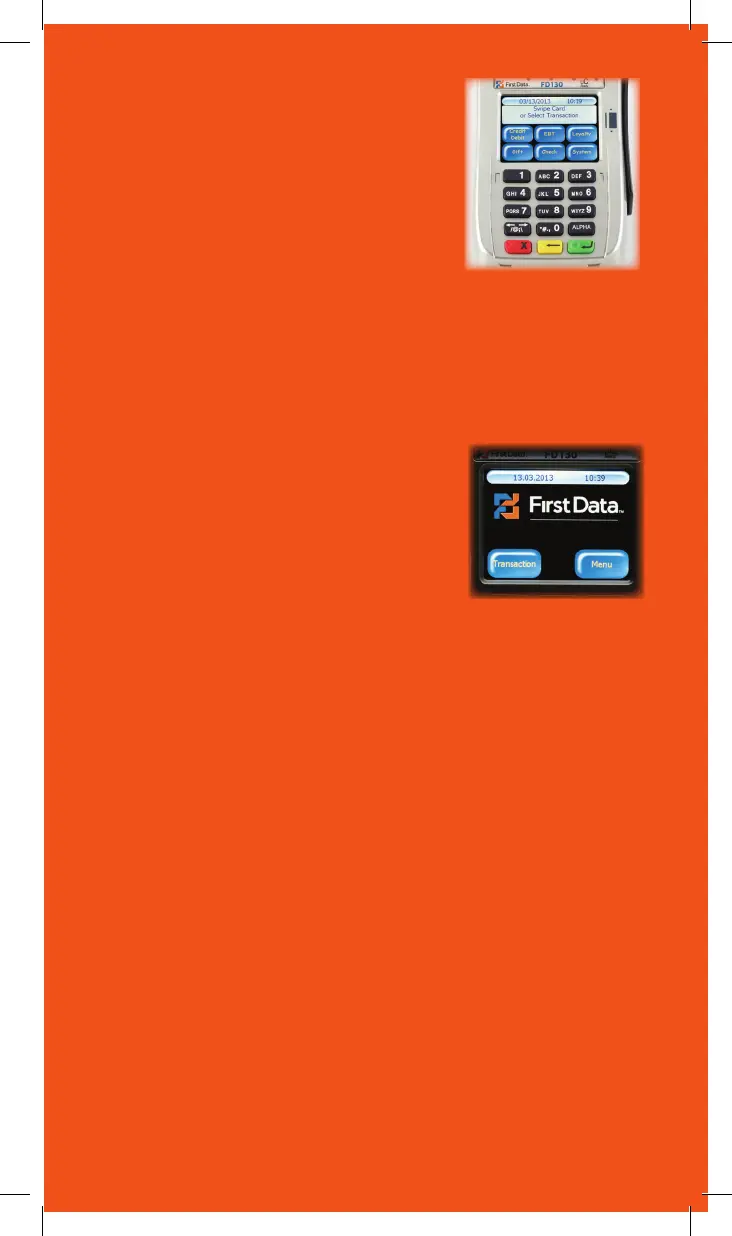
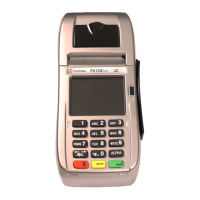
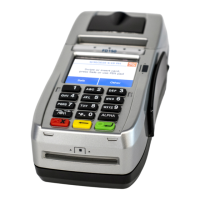
Using the keypad
Through the keypad, the user can select
transaction types and enter information.
The FD130 has 15 keys that can be used to
select numbers, letters, and to enter data.
To enter numbers or letters, simply press the
appropriate key. For example, to type the
letter A, press [ALPHA]; then the number
2 key. For the second letter on the keyboard, such as B, press
[ALPHA] twice then [2]. Or for C press [ALPHA] three times
then [2].
Using the touchscreen
In addition to the keypad, the FD130 also
includes an easy to use touchscreen with
a simplified menu. Many functions can be
selected using the touchscreen for added
convenience.
11



 To Next Page