Contour EQ
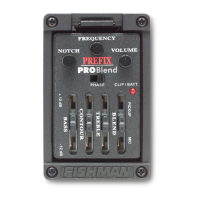
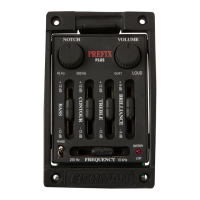
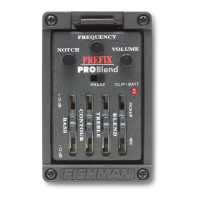
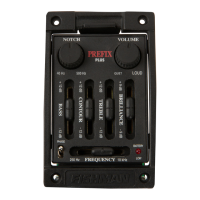
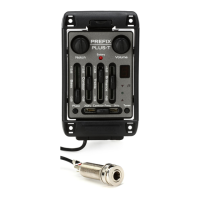
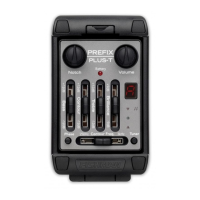
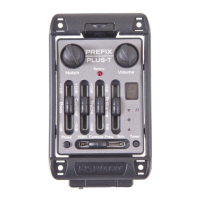
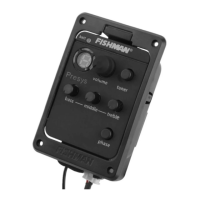
The Contour slider and the Frequency knob make up this EQ. The Frequency knob
lets you tune in on the specific range of sounds that you can boost/cut with the
Contour (level) slider.
With the Contour EQ you can boost or cut a wide range of frequencies, from gutsy
low midrange (250 Hz) to brilliant high treble (10 kHz). Often your instrument will
benefit from a slight midrange cut.
To cut mids, boost the Contour control and then sweep the Frequency control until
you find the band of frequencies that are brash and nasal sounding (usually around
the middle center of the Frequency knob's travel). Then move the Contour slider
below its detent to taste.
Treble
This control affects the under-saddle pickup signal only! A boost here will help
to "cut through the mix". Conversely, cutting the Treble will mellow and subdue your
amplified tone.
Blend Control
This control determines the balance between the two pickups. Move the slider left to
emphasize the Microphone (B). Move it right to hear more of the Pickup (A).
8
8
Prefix -
Prefix -
Stereo Blender
Stereo Blender


 To Next Page
