21
For more detailed instructions please visit www.fishman.com/tripleplay
Guitar Audio Configuration
How to setup a guitar input channel with the TriplePlay Software
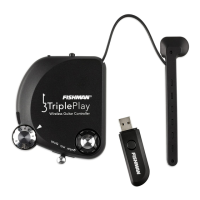
TriplePlay is a MIDI only device, which means it only transmits MIDI data and does not transmit audio data. If
you want to mix virtual instruments with your guitar you will need an audio interface. The TriplePlay software
offers an audio input channel to route your guitar audio into the TriplePlay software and add VST effects to the
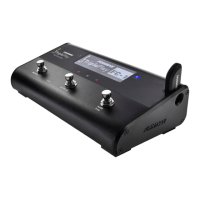
channel. The audio input channel in the TriplePlay software is also linked to the Guitar Mix Switch on the
controller which allows you to mute, solo, or mix the guitar audio channel with other virtual instruments loaded
in the Tripleplay software. Detailed instructions about the TriplePlay software are available online along with a
number of other videos and tutorials.
Other setup options are diagrammed on the following pages. These include connecting to your computer’s
built-in audio hardware, using a conventional guitar amp or hardware amp simulator, and using TriplePlay to
control hardware synthesizers.
Visit us online to learn more about how to mix your guitar with virtual instruments in
the TriplePlay software here: www.fishman.com/tripleplay



 To Next Page