22
For more detailed instructions please visit www.fishman.com/tripleplay
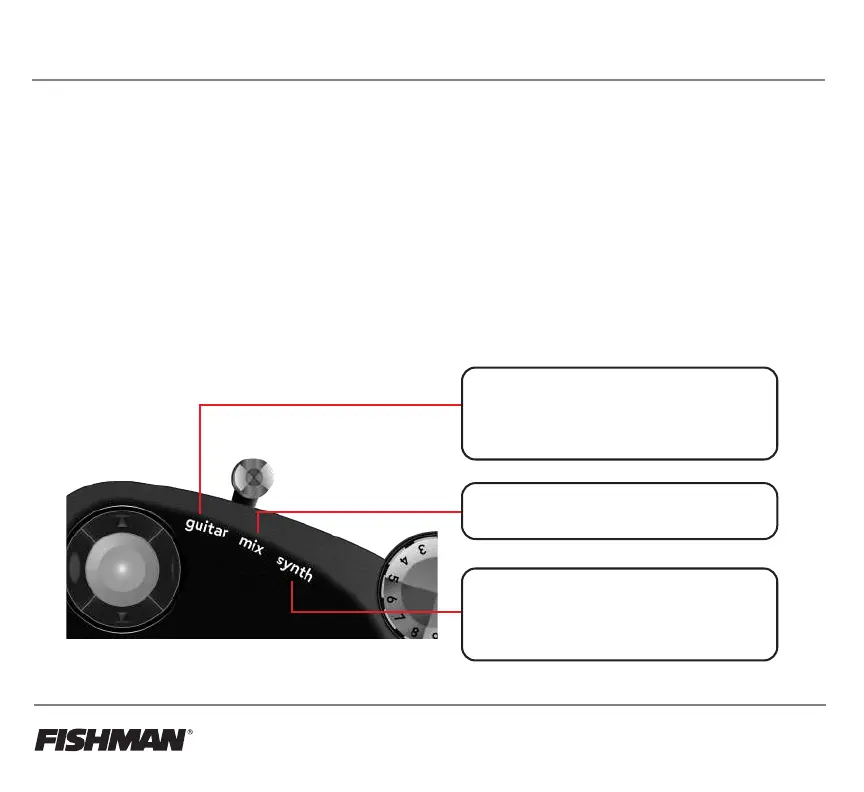
Guitar - This position will allow only the guitar audio
channel to pass through the output of the TriplePlay
software, muting all of the virtual instrument channels.
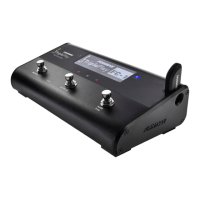
If connected to the FC-1, this will disable the MIDI DIN
output, only allowing the guitar output of the FC-1 to
function.
Mix - This position allows all channels in the TriplePlay
software to function. If connected to the FC-1, the Guitar
Output and MIDI DIN output will function.
Synth - This position will allow only the virtual
instrument channels to pass through the output of the
TriplePlay software, muting the guitar input channel. If
connected to the FC-1, this will disable the guitar
output, only allowing the MIDI DIN output of the FC-1
to function.
Guitar Audio Configuration
Utilizing the Guitar Mix Switch
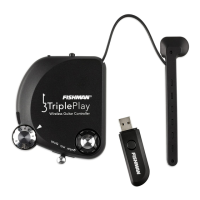
TriplePlay features a Guitar/Mix/Synth switch that determines how the audio from your guitar and the MIDI data
from the controller are handled. There are 3 positions on the switch; Guitar, Mix, and Synth. Each position
sends a different command to the TriplePlay software, controlling the audio and synth channels. In addition,
the Guitar Mix Switch can control the TriplePlay FC-1 pedal guitar and MIDI outputs.
Guitar Mix Switch functionality:
• Controls the TriplePlay Software Audio and MIDI Channels (audio interface and computer required)
• Controls the FC-1 Pedal Guitar Output and MIDI DIN Output (FC-1 Pedal required)



 To Next Page