9Page
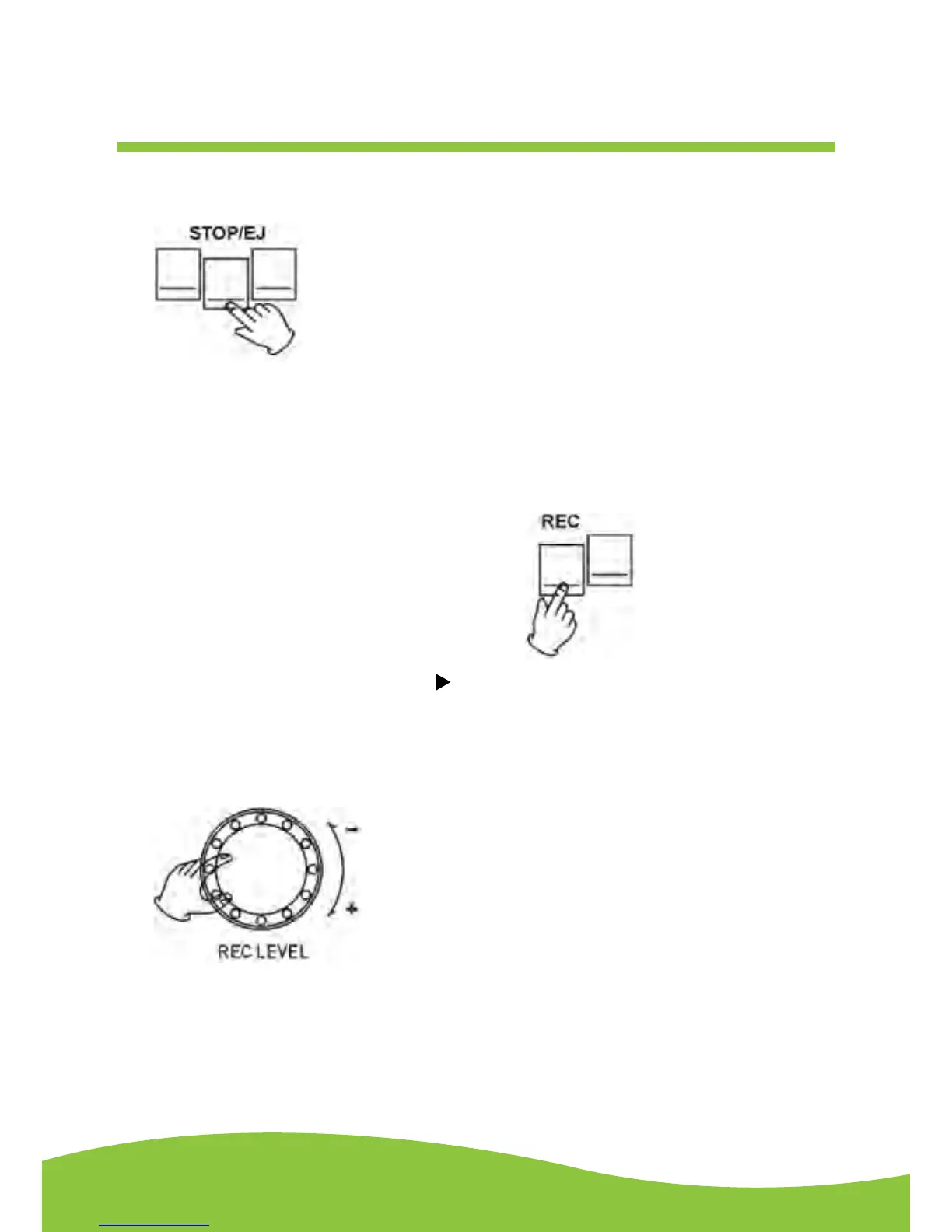
4. Press the STOP/EJ button to open the cassette door and insert a cassette tape. Gently close
the cassette door.
5. Press the COUNTER RESET button, it will show zero to count the tape’s revolutions.
6. Press the REC button to start recording.
NOTE: If the tape is a C-120 version, select the REC C-120 button first,
then press REC PLAY button.
When you press the REC button the PLAY ( ) button will also be pressed automatically. At the
end of the cassette tape, the cassette will stop automatically.
7. To adjust the recording level, adjust the REC LEVEL knob. Ideal REC level is typically 0 dB.
You can view the REC level through the level indicator.


 To Next Page