Change the clock face
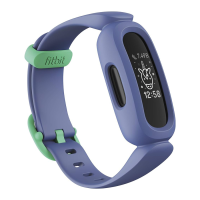
The Fitbit Clock Gallery offers a variety of clock faces to personalize your tracker.
Choose from several kid-friendly clock faces. Note that animated clock faces require
more frequent charging.
1.
From the Today tab in the Fitbit app, tap your profile picture > Ace 3 tile.
2. Tap Clock Faces >All Clocks.
3. Browse the available clock faces. Tap a clock face to see a detailed view.
4. Tap Select to add the clock face to Ace 3.
19


 To Next Page