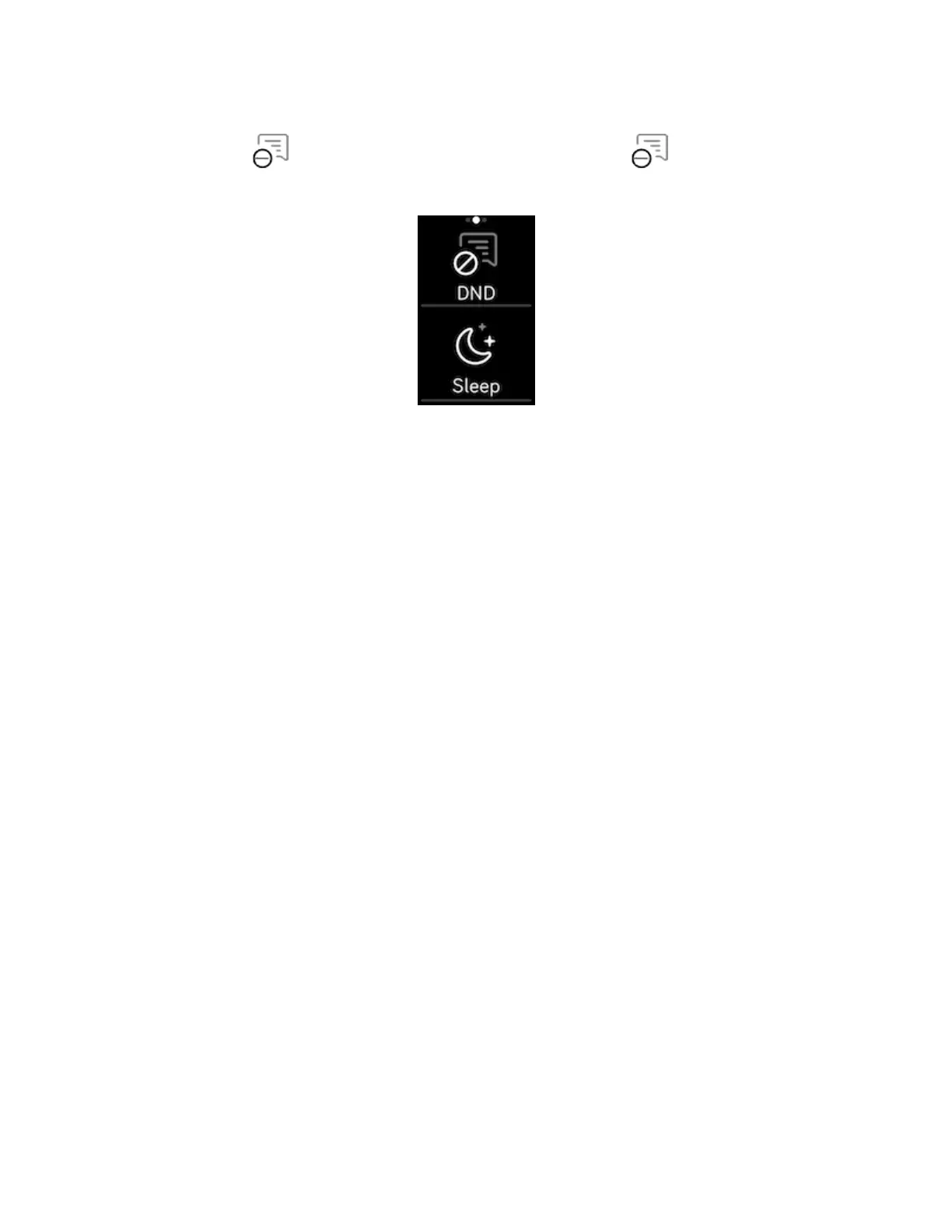
1. Press and hold the buttons on your tracker.
2.
Tap DND to turn on do not disturb. The DNDicon illuminates to
indicate that all notifications, goal celebrations, and reminders are turned off.
Note that if you use the do not disturb setting on your phone, you don't receive
notifications on your tracker until you turn off this setting.
21


 To Next Page