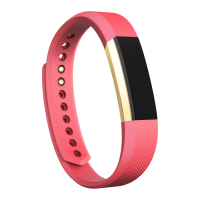
Your Alta HR will celebrate when you reach your main goal. By default this is set to 10,000
steps and it resets at midnight. You can change your goal in the Fitbit app settings.
To view your current progress towards your daily goal, double-tap your Alta HR to wake it up.
When you see the clock, tap to see each of your stats in turn.
Navigation
Your Alta HR will wake when you lift and turn your wrist towards you. You can disable this
behavior in the settings menu.
Double-tap or look at your wrist to turn on the screen.
Single-tap to flip through your daily activity stats.














 To Next Page

