14
Function What does it do? How do I get there?
Weather Atria will display the overall
weather forecast for the day.
Swipe left twice
Relax Relax with Atria. Set the Relax
mode for 1 or 2 minutes and
follow the instructions on the
screen.
Swipe left twice
Music Play, Pause, Skip forward
and back your music playlist
through Atria.
Swipe left three times
Settings Settings include:
- Find phone
Find your phone using Atria En-
sure that your phone volume is
turned on and Atria is connected.
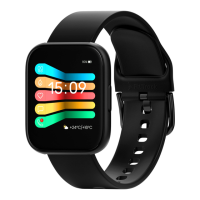
- Change Face
Change the Home Page display
based on your preference.
- Brightness
Turn screen brightness up
or down.
- System
Atria software information
- Language
Choose your preferred language
- Shut Down
Turn off your Atria
- Restart
Erase all data from Atria
Swipe left three times
Brightness Adjust screen brightness Swipe down once
Power Shut down Atria. Swipe down once
Information Atria system software infor Swipe down once



 To Next Page