8
How to connect your devices
To use WPS
Alternatively, if you have a WPS (Wi-Fi Protected Setup) enabled device and
would like to connect to Wi-Fi using WPS, please follow the steps below:
1. Use the Settings option of your device to enable WPS.
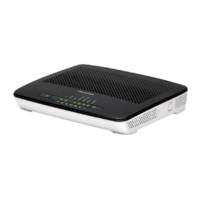
2. Press the WPS button on the left-hand side of the router.
3. Wait until the WPS light on the top of the router is green.
4. Your device will connect automatically to the router.


 To Next Page