9
Having trouble connecting?
Can’t seem to connect? Follow our quick checklist below to try and x your
problem.
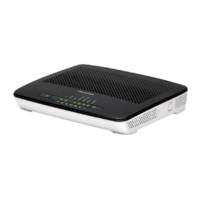
If you have previously connected your devices using the yellow Ethernet
cable and now want to connect wirelessly, please ensure that you
unplug the cable from the router before you switch to Wi-Fi.
The wireless key (password) is case sensitive, so please ensure that you
enter it exactly as it is shown on the bottom of your router.
If you are struggling to connect your devices to your Wi-Fi network,
please make sure that Wi-Fi connectivity is activated on your device.
You will nd this in your settings or by pressing a particular key on your
computer.
Still having problems? Call us today on
0333 320 4020
8am-8pm Monday-Friday & 10am-6pm Saturday and Sunday


 To Next Page