5 Mechanical information
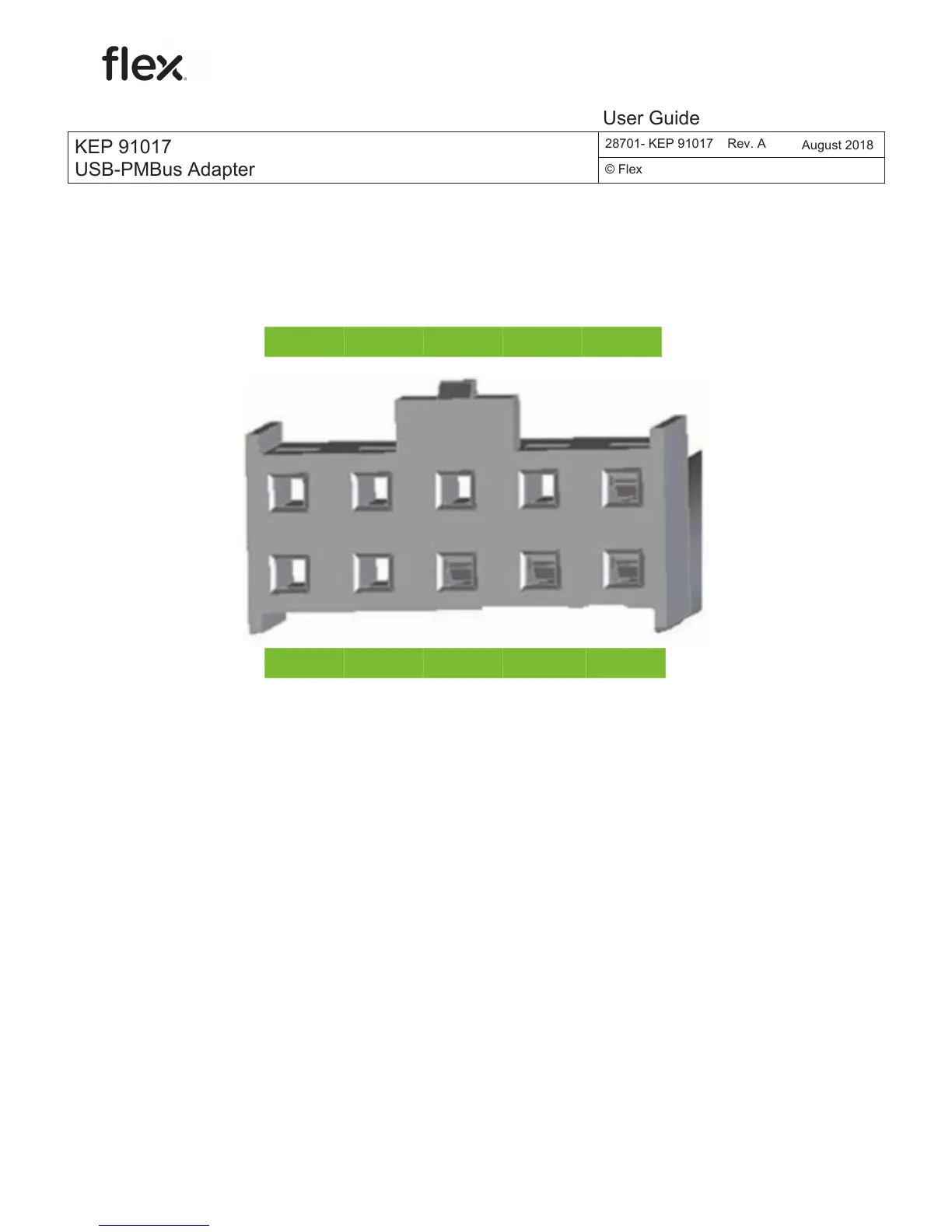
The pinout of the board connector of the PMBus cable is shown in the figure
below.
NC NC V
I2C
CTRL SCL
NC NC DGND SALERT SDA
6 Step-by-step instructions for operation and
troubleshooting
Below you find short instructions for operation and troubleshooting:
1. Plug in the USB cable to both the PC and the USB-PMBus adapter and wait
for the green LED to illuminate. Troubleshooting: If the green LED does not
illuminate after 30 s, check to ensure the USB cable is securely connected. If
the connection is secure, try a different USB port. If a different USB port does
not solve the problem, try to reboot the computer. If rebooting the computer
does not fix the problem, try a different USB cable.
KEP 91017
USB-PMBus Adapter
28701- KEP 91017
August 2018
© Flex
User Guide
KEP 91017
USB-PMBus Adapter
28701- KEP 91017 Rev. A
August 2018
© Flex
User Guide



 To Next Page