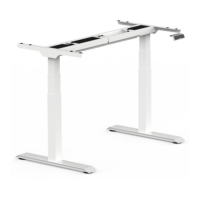
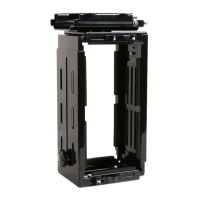
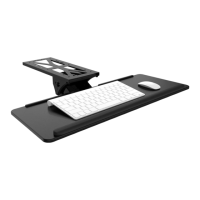
Package Included
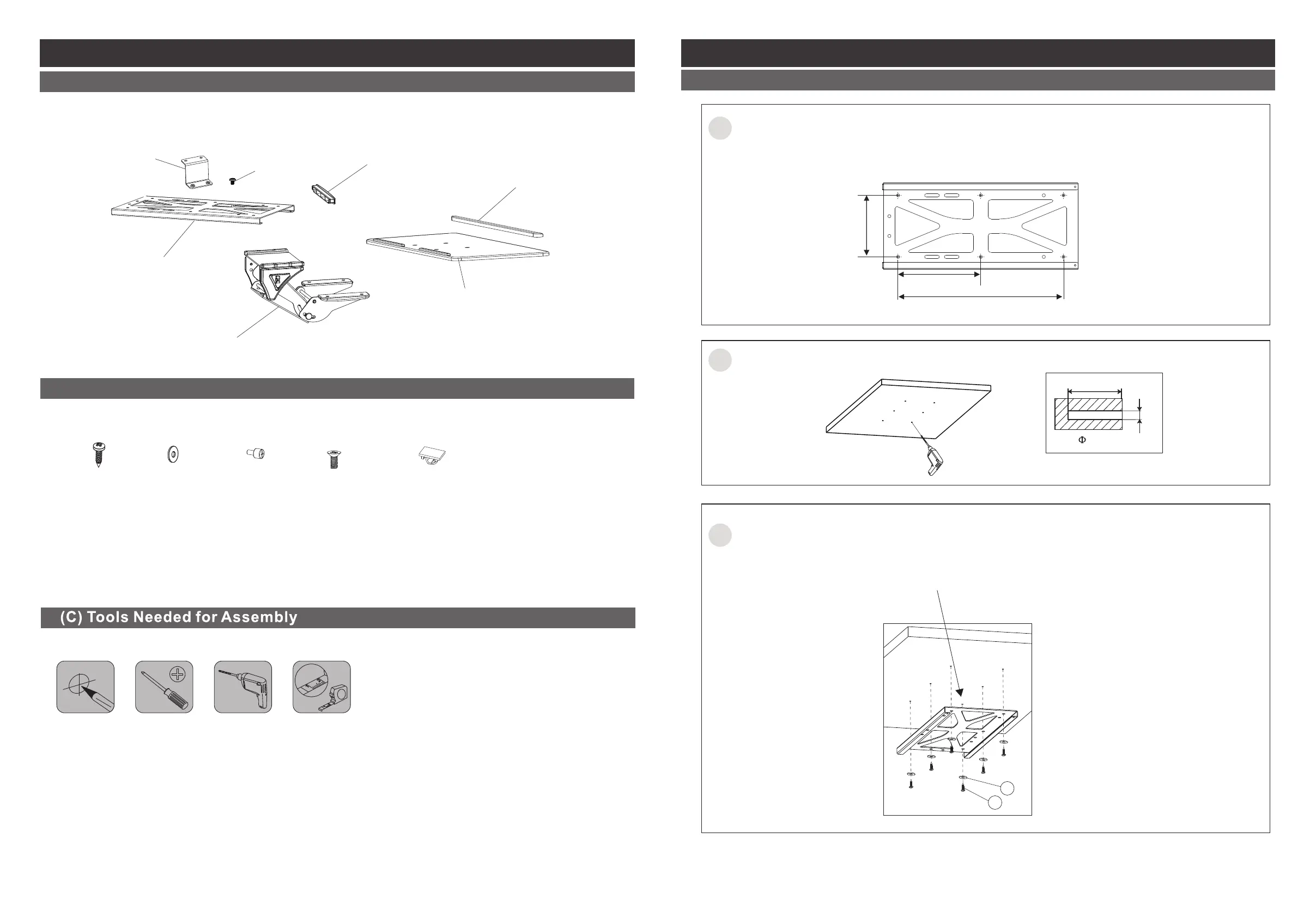
(A) Parts Included
Installation Steps
STEP 1 - Option A: Install panel to the table board
01 02
Corner Connector
(4 PCS)
M5x6 Screws
(8 PCS)
Plastic Cap
(1 PC)
Installation Panel
(1 PC)
Holder
(1 PC)
Keyboard Tray
(1 PC)
Long Pad
(1 PC)
St4.8x20mm
(8 PCS)
A. B.
D.
Φ5 washer
(8 PCS)
E.
Cable Clip
(2 PCS)
(B) Attachment Screw Set
C.
(2 PCS)
M4x8mm
(4 PCS)
M5x12mm
1
2
Please mark the positionsfor drilling。
Attention:
Install the panel where the keyboardtray being installed and reservethe according place.
B
A
Attention:
The panel opening should be outwardduring the installation.
Install the panel under the table board with screws A and washers B, and then tighten the
screws.
3
0.079'' (2 mm)
0.79'' (20 mm)
11.22'' (285 mm)
5.61'' (142.5 mm)
4.17'' (106 mm)
Drill on the marked positions.


 To Next Page