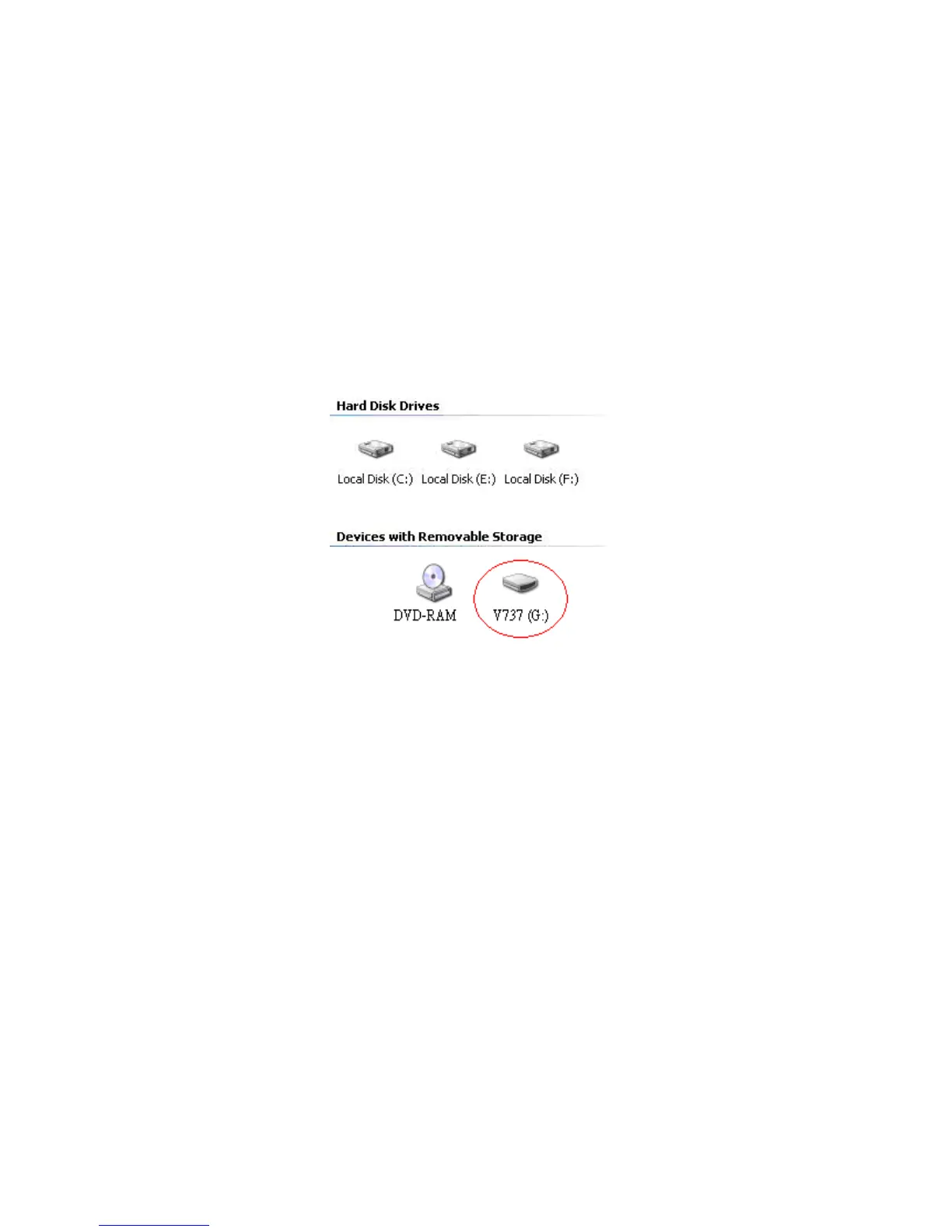
USB Connection
Connect the driver recorder and PC with the provided USB cable
Double click the " My computer" icon, the operating system will
display drive recorder as removable disk.
You can then read, write, copy, delete and remove data on the PC.
The file name is a 13 digit number given by month/date/hours/
minutes and file order.
During file transfer in the PC mode, DO NOT:
1. Unplug the USB cable.
2. Remove memory card from the card slot. Otherwise, there may be a
chance to lose or corrupt data.
*Do not use USB ports repeated through peripherals (such as keyboards)
or with un-powered USB hubs.


 To Next Page