Need help?
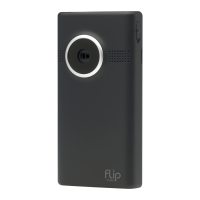
Do you have a question about the Flip Mino and is the answer not in the manual?
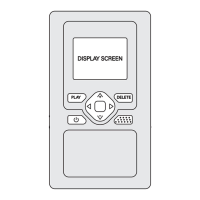
Overview of buttons, screen, ports, and their functions for operation.
Step-by-step guide to connect camcorder to television and select video input.
Lists items included in the box and provides resources for product support.
FCC compliance statement and caution regarding device modifications.
Instructions for turning on the camcorder and initial setup procedures.
Details on using touch-sensitive buttons for recording, playback, and zooming.
Steps to connect camcorder to computer via USB for charging and software setup.
Overview of FlipShare software features for managing and sharing videos.
Instructions for connecting to charge the camcorder's battery via USB or adapter.
 General
| Video Resolution | 640 x 480 |
|---|---|
| Frame Rate | 30 fps |
| Display Size | 1.5 inches |
| Weight | 3.3 ounces |
| Connectivity | USB |
| Battery | Built-in rechargeable |

 To Next Page