Need help?
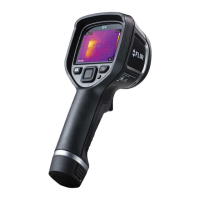
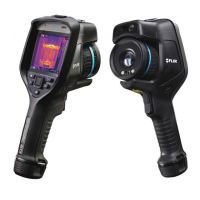
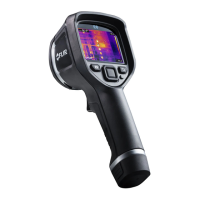
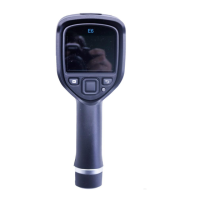
Do you have a question about the FLIR E5 and is the answer not in the manual?
Internal memory provides approximately 500 image storage capacity for the camera.
Charge the battery via stand-alone charger, USB adapter, or computer USB connection.
Press On/Off to start. Hold for 5s for standby, 10s to turn off.
All models are focus-free with a minimum focus distance of 20 inches or 0.5 meters.
Access Temp Scale icon, select Auto for full adjustment of level and span.
Models E4/E5 access Lock icon. E6/E8 adjust via Temp Scale submenu.
Use Navigation Pad to adjust level and span via Temp Scale submenu.
Save images by pulling the trigger; recall via Archive button and Navigation Pad.
Access Color icon via Navigation Pad to display submenu and select a new palette.
Navigate to Settings > Measurement Parameters > Emissivity to set custom values.
Set reflective apparent temperature via Settings > Measurement Parameters.
 General
| Field of View | 45° x 34° |
|---|---|
| Battery Life | 4 hours |
| Weight | 0.575 kg (1.27 lb) |
| Accuracy | ±2°C or ±2% of reading |
| Image Frequency | 9 Hz |
| Spectral Range | 7.5 – 13 µm |
| Drop Test | 2 m (6.5 ft) |
| IP Rating | IP54 |
| Thermal Sensitivity | < 0.10°C |
| Temperature Range | -20°C to +250°C |
| Focus | Focus-free |
| Display | 3.0 in color LCD |
| Image Modes | Thermal, MSX |
| File format | Radiometric JPEG |
| Operating Temperature | -15°C to +50°C |
| Storage Temperature | -40°C to +70°C (-40°F to +158°F) |
| Humidity | IEC 60068-2-30 |
| Resolution | 120 x 90 pixels |


 To Next Page