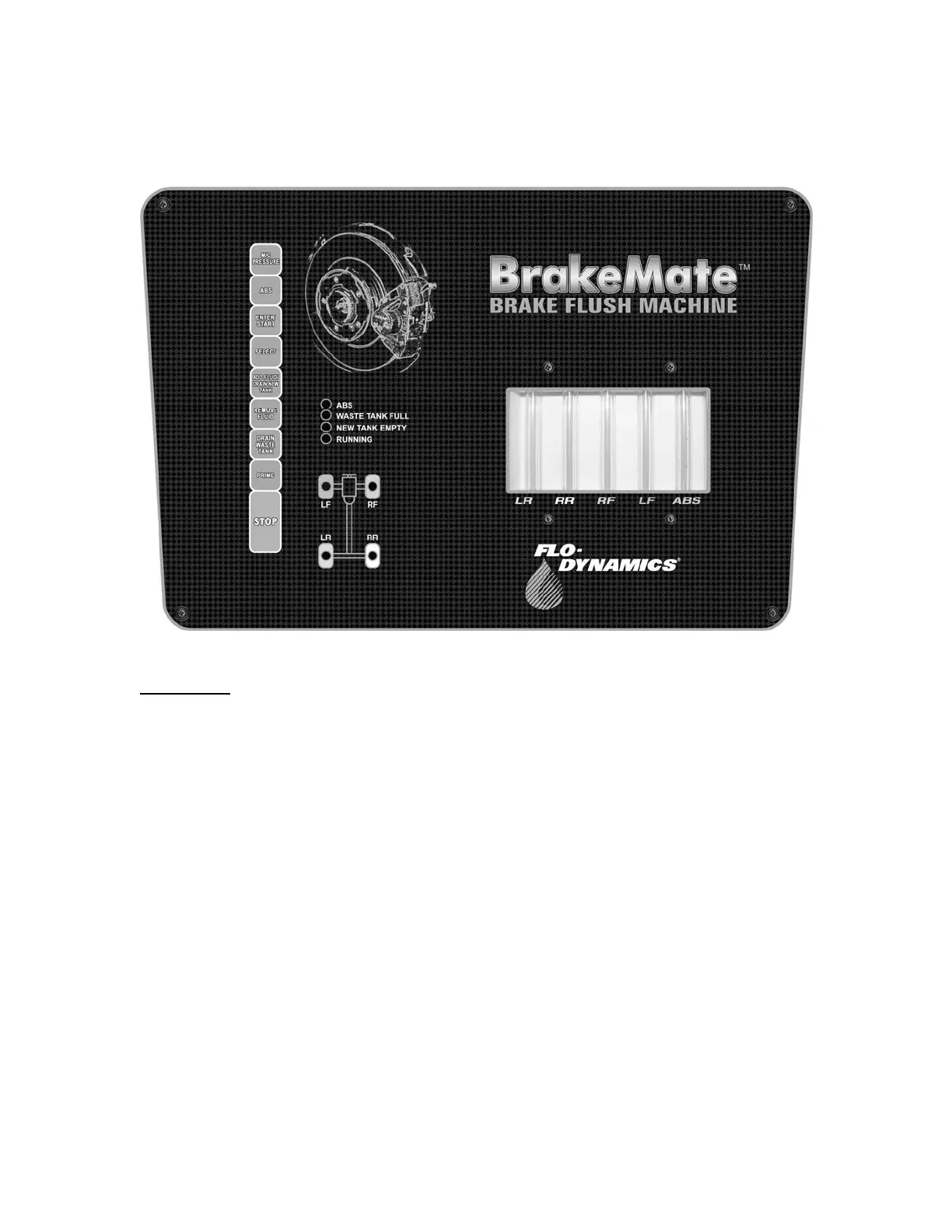
CONTROL PANEL OVERVIEW
BUTTONS
Button: Function:
M/C PRESSURE Pressurizes the master cylinder.
ABS Toggles ABS function on and off.
ENTER/ START Enter sequence wheel choice/start exchange.
SELECT Selects wheel sequence for exchange.
ADD FLUID/ DRAIN NEW TANK Pumps new fluid out of service hose.
REMOVE FLUID 1 Press- Pulls fluid through ABS line.
Press and Hold - Pulls fluid through all 5 lines.
DRAIN WASTE TANK Drains waste tank through service.
PRIME Purges air out of service hose after machine is
completely emptied of fluid.
STOP Stops operations.
11


 To Next Page