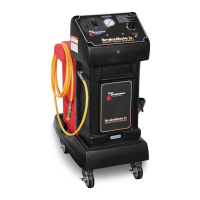
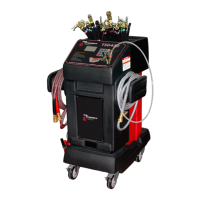
III. Operating Instructions Flo-Dynamics
®
TSD450™
18
Printed in the U.S.A. for Flo-Dynamics ®
Operations Manual
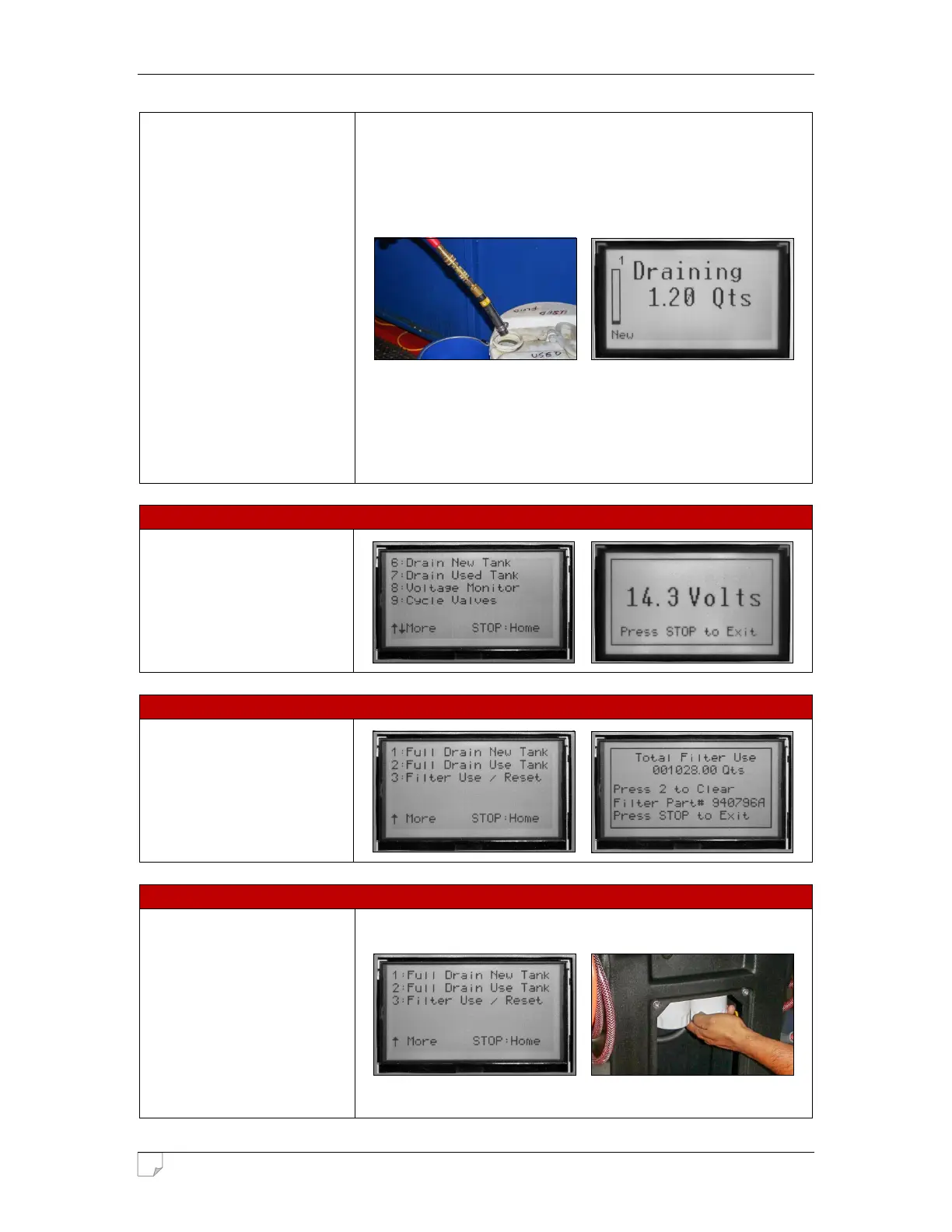
adapter to the red service hose
and insert into an appropriate
disposal container. Make sure
all other hoses are
disconnected!
Press the Green Button to
begin the process.
The unit will shut off when
complete.
NOTE: When fully draining a
tank, the machine will not stop
automatically when the tank is
empty. You must push the Red
Button on the control panel
when the machine begins to
pump air out of the red service
hose.
From the main menu, press ▼
to proceed to the next menu.
Press 8 to display the voltage.
From the main menu, press ▼
twice. Press 3 to display the
total filter use. Press 2 to reset.
The machine will indicate when
the canister filters need to be
replaced. Remove service
panel. Use a standard filter
band clamp tool to unscrew old
filters, and replace them with
new filters. Make sure new
filters are on tight.
IMPORTANT: Machine must be
primed after filter change.


 To Next Page