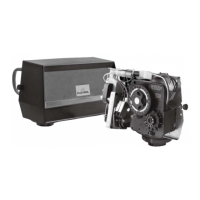
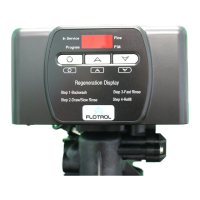
Regeneration Cycle program Setting Procedure
MODEL 3200 & 3210 TIMER SERIES
Typical Programming Procedure
Note:
How To Set The Time Of Day:
Immediate Regeneration Timers:
How To Manually Regenerate Your Water
Condition At Any Time:
Calculate the gallon capacity of the system, subtract
the necessary reserve requirement and set the gallons
required by Iifting the gallon dial and rotating it so
that the number of gallons required is aligned with the
white dot on program wheel gear. Release and check
for firm engagement with gear.
To set meter capacity at initial start-up, either:
1. Rotate manual regeneration knob one full revolution.
2. Rotate program wheel manually clockwise and
align white dot with capacity arrow.
Even though it takes three hours for this center knob to
complete one revolution, the regeneration cycle of your
unit might be set for only one half of this time.
In any event, conditioned water may be drawn after rinse
water stops flowing from the water conditioner drain Iine.
These timers do not have a 24 hour gear. Setting the
gallons on the program wheeI and manual regeneration
procedure are the same as previous instructions.
This procedure must be followed any time the program
wheel setting is changed.
Press and hold the red button in to disengage the 24 hour
gear.
Turn the 24 hour gear until the actual time of day is at the
time of day pointer.
Release the red button to again engage the 24 hour gear.
The black center knob will make one revolution in the
following approximately three hours and stop in the
position shown in the drawing.
Turn the manual regeneration knob clockwise one “click”.
This slight movement of the manual regeneration knob
engages the program wheel and starts the regeneration
program.
—or—
TO MANUALLY
TO SET TIME OF DAY-
PRESS RED BUTTON AND
TURN LARGE AIAL UNTIL
TIME IS AT ARROW.
START CYCLE-
TURN KNOB
CLOCKWISE.
CAPACITE
CAPACITY
KAPAZITAT
CAPACITA
CAPACIDAD
M
3
CAUTION
ALWAYS REMOVE CABLE
FROM METER BEFORE
SWINGING TIMER OPEN.
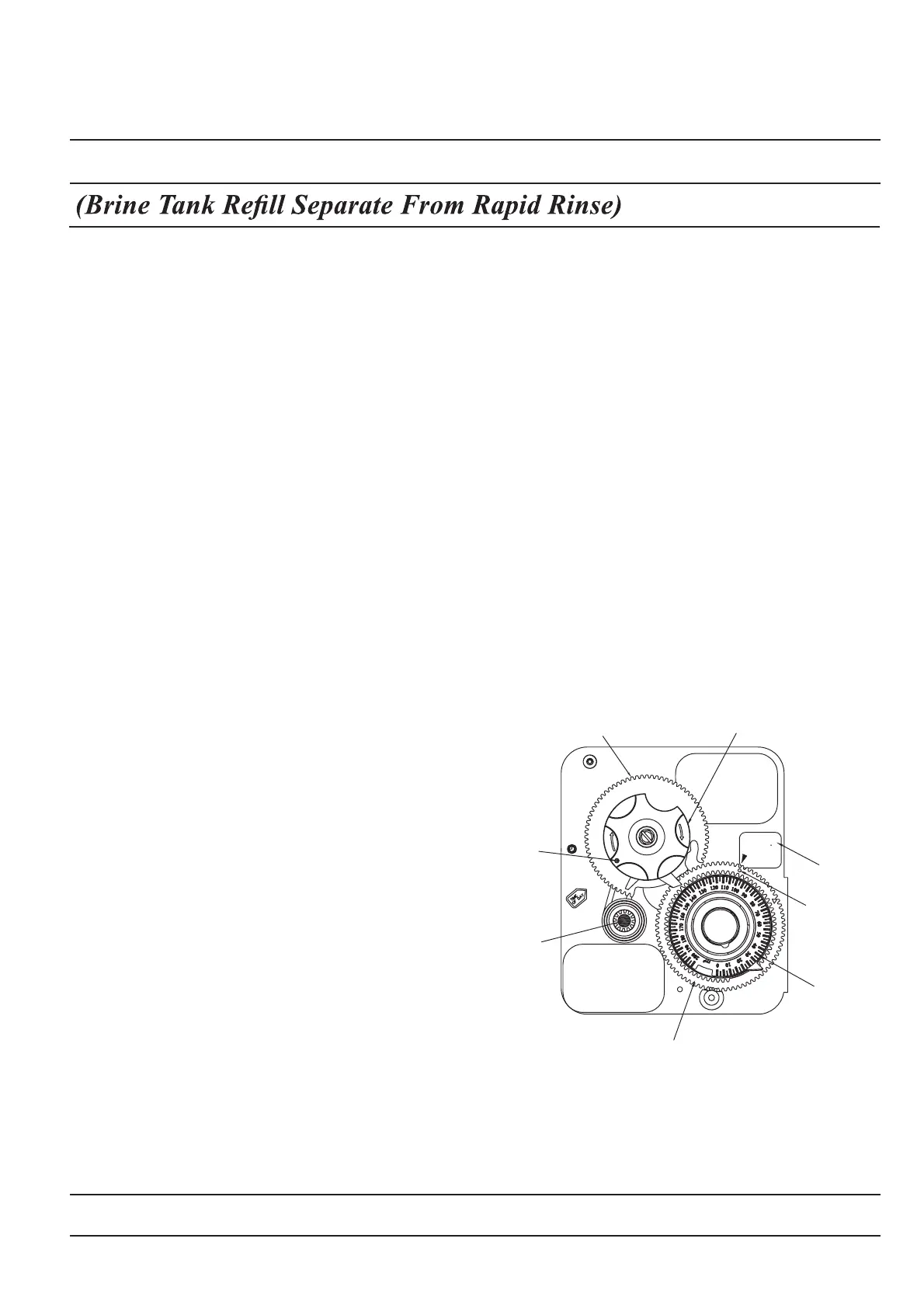
Program Wheel
Manual Regeneration Knob
Red Time
Set Button
White Dot
(M
3
Capacity)
M
3
Label
Service
Position
Indicator
Capacity
(M
3
Remaining)
24 HR. Gear
Page 10


 To Next Page
 Loading...