4
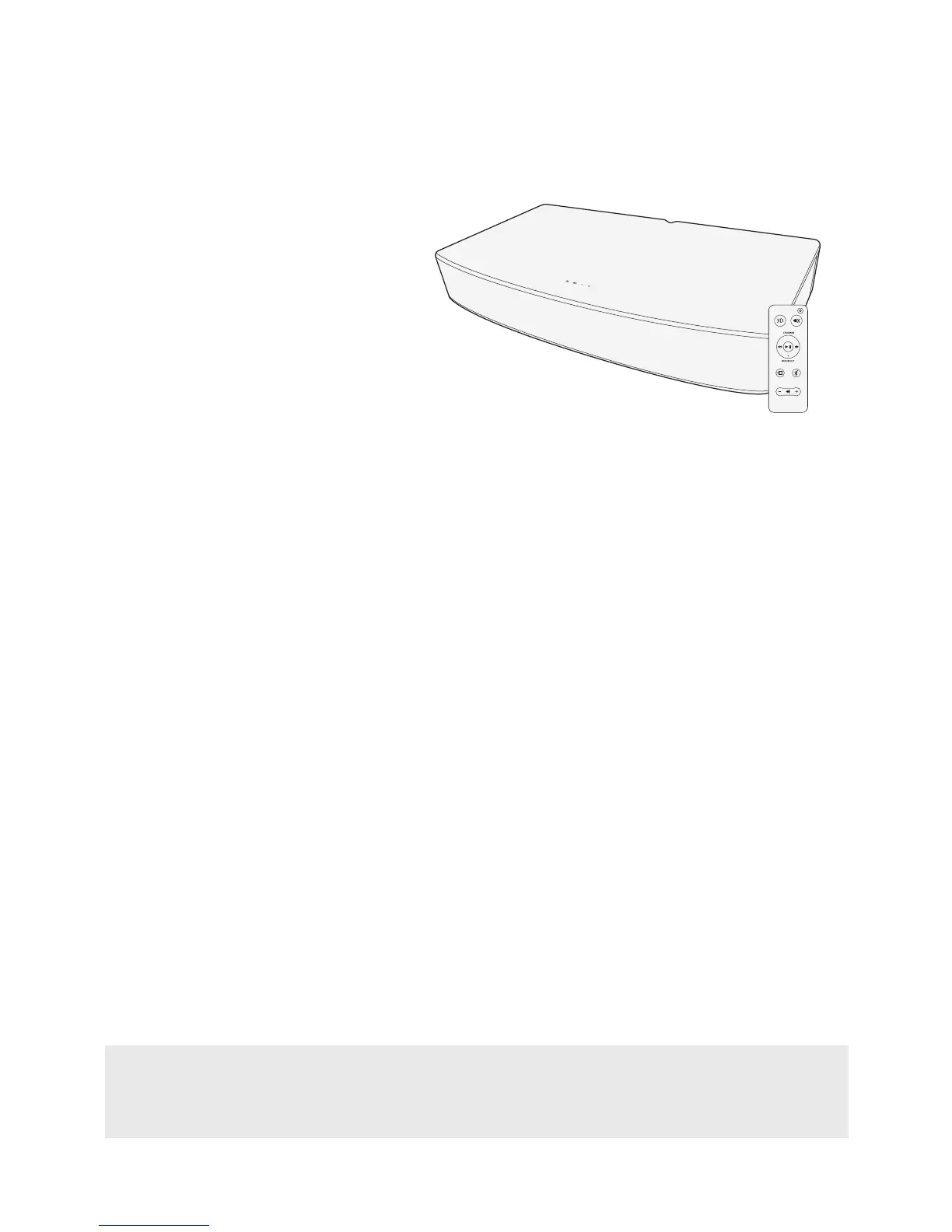
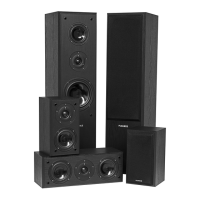
• High Performance Soundbase
Speaker System
• Remote Control
• Optical Cable
• Power Adapter
• 2x AAA Batteries
• Quick Start Guide
• 2 Year Parts & Labor Warranty
• Lifetime Customer Support
What’s Included
Bluetooth® Pairing for Bluetooth Enabled Smartphones
Certain Bluetooth
®
features, including those listed, may not be supported by all compatible Bluetooth-enabled devices, and/or the functionality
of such features may be limited in certain devices, or by certain wireless carriers.
We reserve the right to change models, conguration, or specications without notice or liability. Product may not be exactly as shown.
©2016 FLUANCE
®
. FLUANCE
®
, the FLUANCE
®
logo, and any other FLUANCE
®
marks may be registered. All other trademarks are property of
their respective owners.
1. Set the Fluance AB40 to the Bluetooth® input.
2. Option 1: Press the Bluetooth button on the remote control.
3. Option 2: Press the source button on the touch panel of the Soundbase until the
Blue LED appears.
4. The LED should now be flashing BLUE. This means the Soundbase is ready
for pairing.
5. Enable Bluetooth on your device.
6. Under the Bluetooth settings select “Fluance AB40”.
7. You will now be connected and able to play/pause/skip tracks using either the
device or remote control.
Important!
How you access your Bluetooth® Settings may vary from one manufacturer to another. Maximum line
of sight for Bluetooth transmission range is 33ft. Obstacles may decrease transmission distance.


 To Next Page