FlowCam® 8000 Series Dynamic Imaging Particle Analyzer
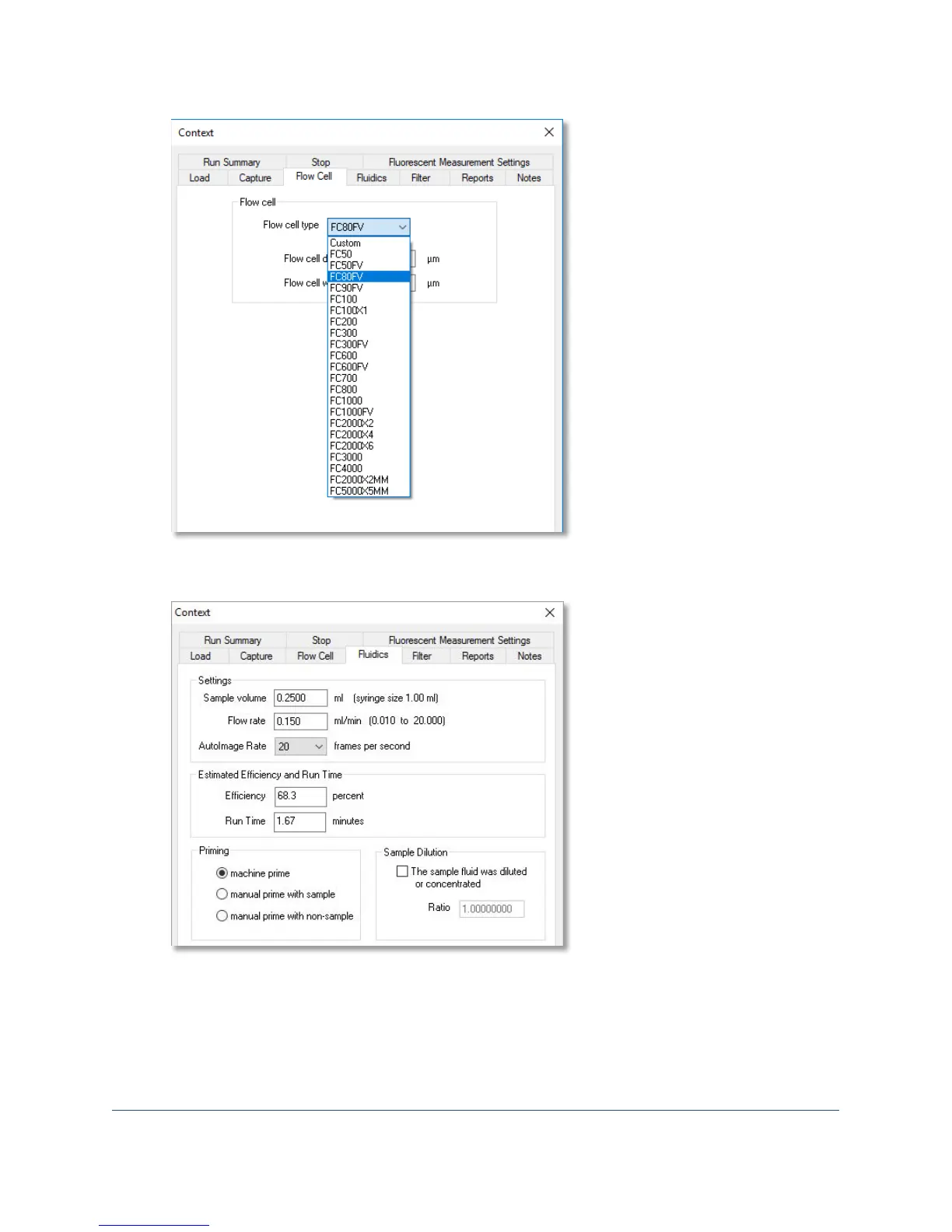
7. The Fluidics tab is where you define the sample volume, flow rate, autoimage rate, efficiency,
run time, priming type, and sample dilution parameters.
Note: The machine prime option uses the built-in functionality of the fluid position sensor.
8. The Filter tab lets you select an image filter (ESD, ABD, none, advanced) and set its minimum
and maximum diameter values to specify the size range of the particles of interest to save.



 To Next Page