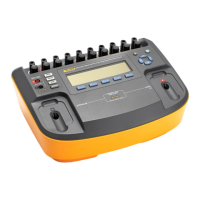
Demo Instructions
10
Warning: defibrillators/external pacemakers are capable of emitting lethal
high voltages/energies and should be operated only by trained professionals.
PACER TESTS
Tests wide range of transcutaneous pacemakers; measures and displays pacer pulse
amplitude, rate, width and energy. Conducts demand and sensitivity tests, measures and
displays refractory periods, etc.
1. Connect pacer to the analyzer through either defibrillator input (50 ohms only) or pacer
input (50 to 1500 ohms)
2. Select PACER mode on the left panel. Select F1 to set the pacer BRAND.
3. Select F2 to select Input Jack options. When defibrillator input is chosen, load is
limited to 50 ohms. If pacer jack input is selected, testload is selectable between 50 to
1500 ohms. Please note that typical pacer outputs are specified at testloads between 50


 To Next Page
 Loading...