44 / 84 Attachment FLUXTRONIC Automatic Mode
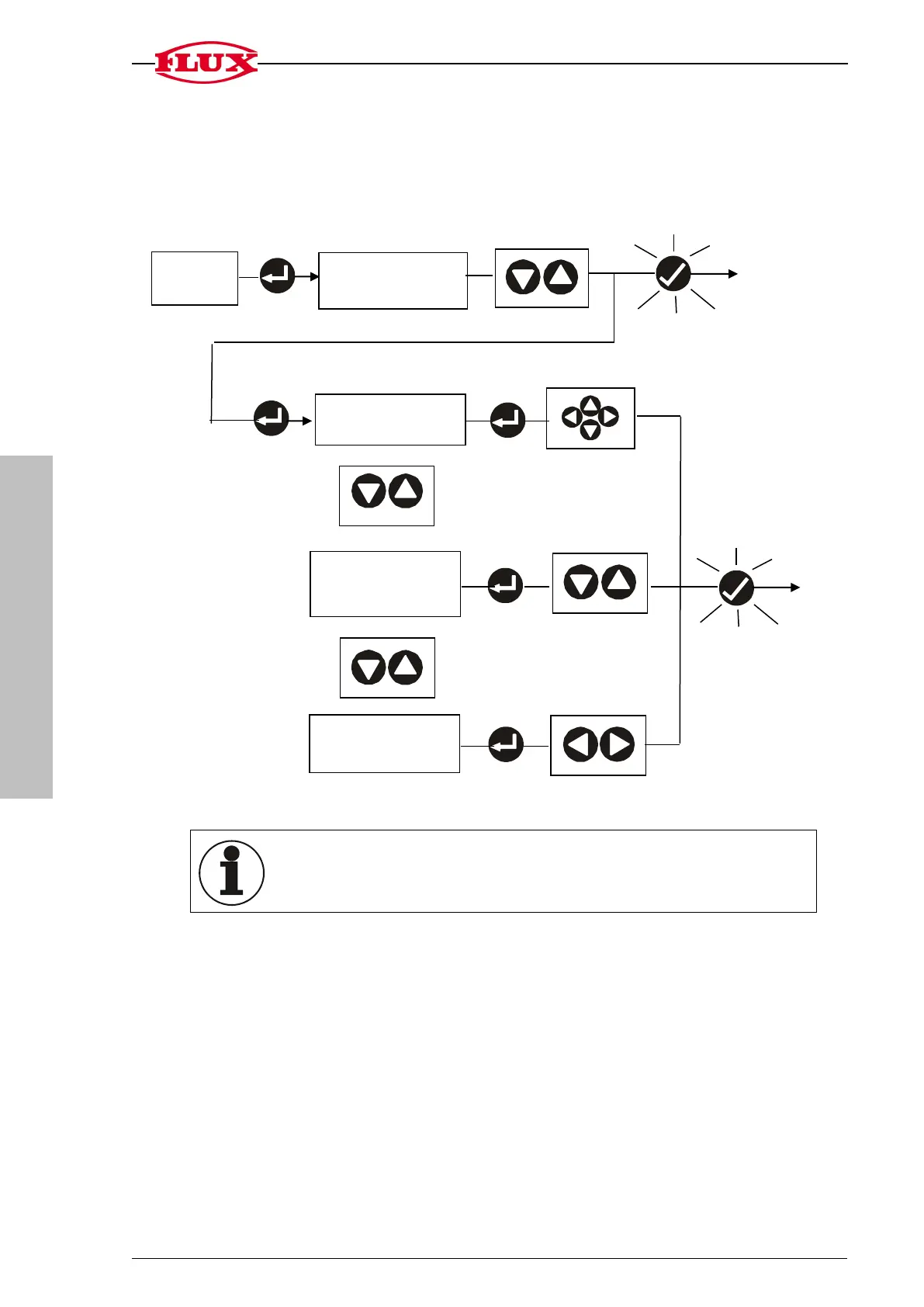
4.4 Set the decimal place of the calibration constants at the selected memory location
[DEC].
To utilise the 7-digit display to the full, the digit before the point is not displayed with the
setting range of 0.9999999.
The volume display and the total volume are deleted by changing the
calibration constants.
4. CAL
memory location
4.2 Change calibra-
tion constant [SET]
unit [UNIT]
to [START]
[-], kg, g, m³, mL, L,
lmp Gal, US Gal
place [DEC]
Operate and back to [START]


 To Next Page