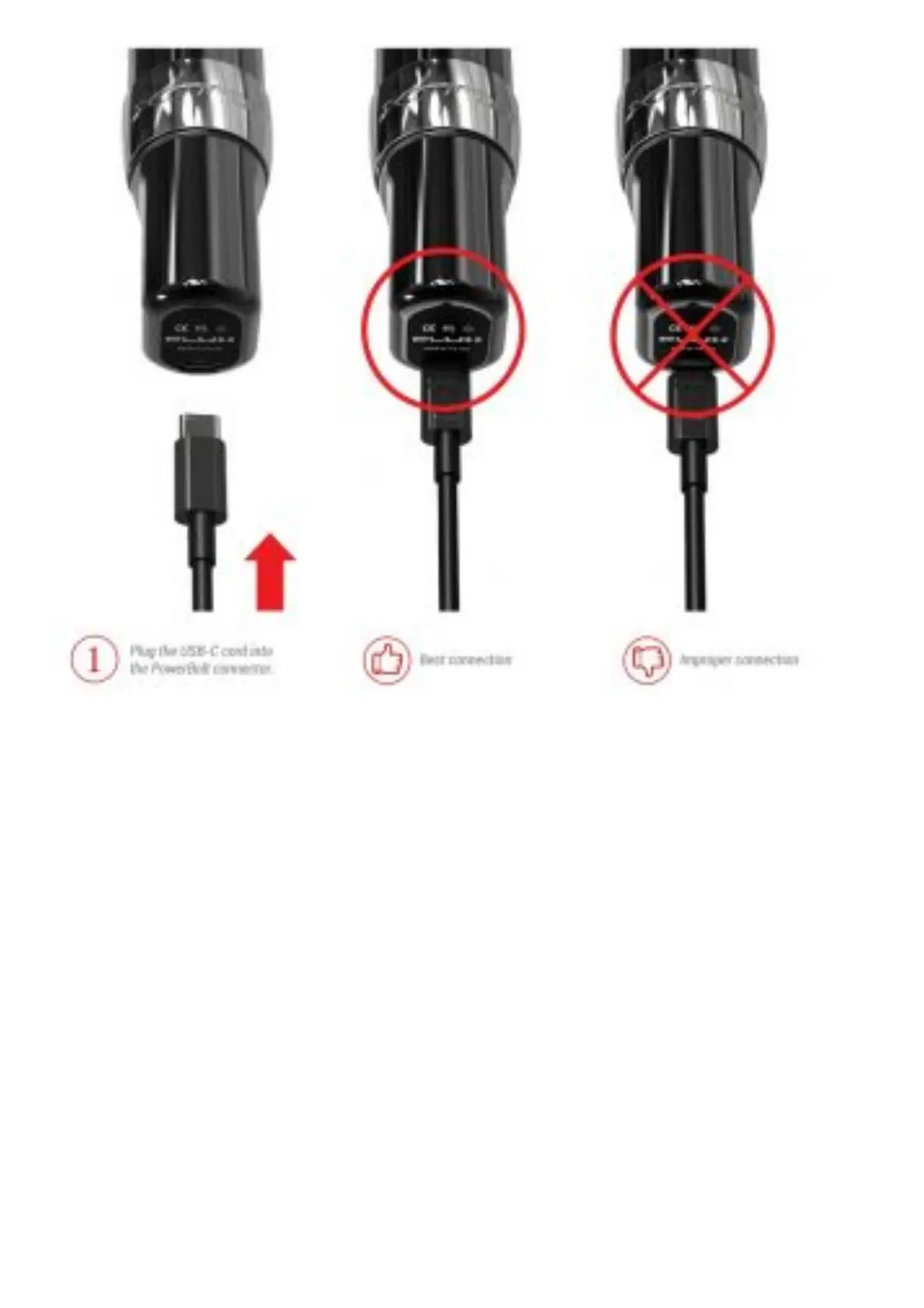
HOW TO CONNECT YOUR MACHINE
Insert the provided USB-C cable into the back of the PowerBolt and connect to a Hover or power
socket. Make sure the cable is properly seated and is fully inserted into PowerBolt. The PowerBolt is
not meant to operate Plug the USB-C cord into the PowerBolt connector. 1 Best connection Improper
connection while plugged in. The USB-C connection is meant only for recharging your PowerBolt.
PowerBolt can be recharged whether or not it is connected to the Flux. If connecting to a Hover, the
charge speed will be up to 1.5 A.
ADJUSTING NEEDLE DEPTH



 To Next Page