2.3.3 Take off
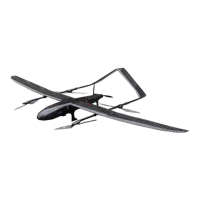
After unlocking, the propeller will start to idle immediately, and after idling for
5 seconds, it will automatically perform vertical take-off.
2.3.4 Monitoring and control
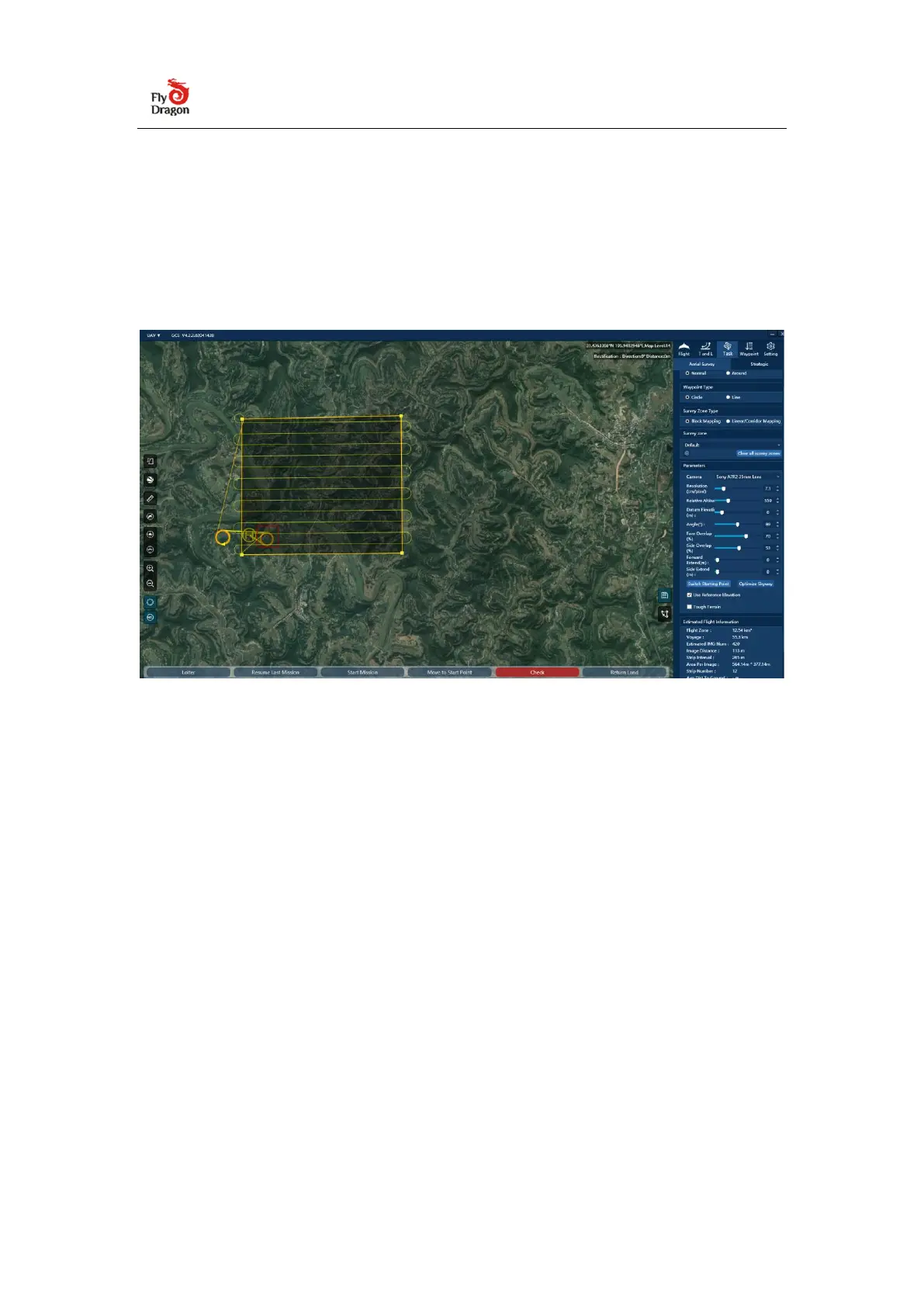
(1) Flight monitoring The flight status of the aircraft can be monitored in real time
through the ground station. The status panel next to the aircraft icon in the map
area displays the flight airspeed, altitude, mode, power and signal, etc. The small
arrows and numerical values next to the aircraft icon indicate the wind direction
and direction. In addition, you can view more detailed information on the flight
tab on the right. flight data.
(2) Flight control In the flight control bar of the ground station, you can send
commands to the UAV to control its flight at any time. In addition, you can directly
drag the waypoint in the map area of the ground station to control the flight path.


 To Next Page
 Loading...