42
2. You might be in an area where the
signal strength is low.
Please move to open areas.
3. My device would not make and/or receive calls?
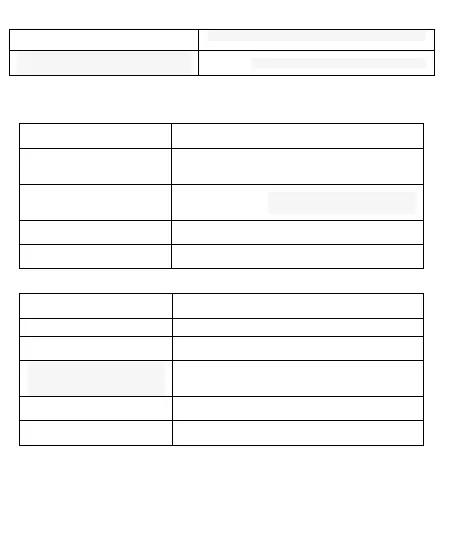
Possible Reasons for
Malfunction
1. You might be in an area
where the signal strength
is low.
Make sure you are in the area with good cell signal.
To ensure it, see the signal strength indicator on the
top right of your device screen
2. You might have set your
Call Forwarding on your
phone.
According to your needs,
please cancel call forwarding.
3. Check if your device is set
on Airplane mode.
4. SIM card might not be
inserted properly
Please check, and insert the
SIM card properly.
4. You can’t make a call?
Possible Reasons for
Malfunction
Please power on your phone.
2. Phone is out of the network
service area.
Please make sure the current network is in good
service.
3. Your SIM card is not
proper or out of service
fee.
Make sure your SIM card can
work properly.
4. Perhaps you set up call
barring.
According to your needs,
please cancel call barring.
5. The phone screen is
locked.
Please unlock the screen
according to the prompts.
5. I cannot hear and/or be heard from the other side?



 To Next Page