45
Possible Reasons for Malfunction
1. If the screen or finger touching the
screen is wet, it can cause a
failure.
Please make sure your finger is dry while
using the phone.
2. Protective film on touch screen
may make touch screen less
responsive.
Please remove any such protective screens.
3. Your device may become slow, if
you are running many
applications at the same time.
Please close all applications, go back to
Home screen and try again.
Read there simple guidelines before using the device.
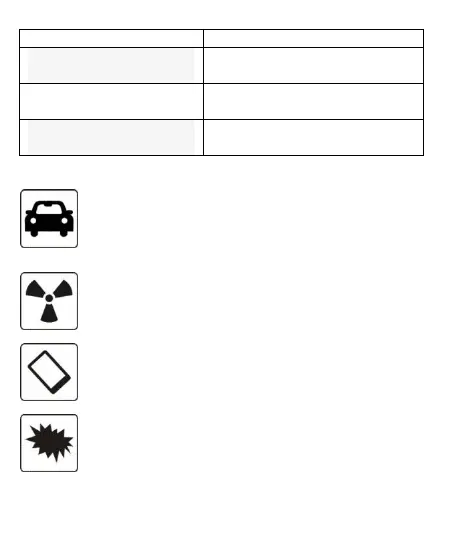
ROAD SAFETY COMES FIRST
Obey all local laws, Always keep your hands free to operate the vehicle while driving. Your first
consideration while driving should be road safety.
INTERFERENCE
All wireless devices may be susceptible to interference, which could affect performance.
ENHANCEMENTS AND BATTERIES
Use only approved enhancements and batteries. Do not connect incompatible products.
SWITCH OFF NEAR BLASTING



 To Next Page