Force Adjustable Joystick Instruction
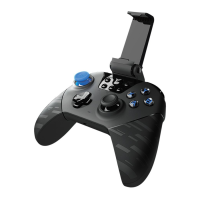
1 Remove the joystick cap by pulling it upwards vertically and take off the D pad.
2 Remove the magnetic cover from the gap ofthe grlp, and take out the force
adjustment paddle from the right side of the controller.
3 Adjust the joystick sensitivity by rotating the screw on the right side of the joystick
using the adjustment paddle. You can use the tangent position between the edge
of the screw and the scale as a reference to remember the current sensitivity of the
joystick. Once the adjustment is complete, you can put the joyst'ck cap back on to
conveniently experience the sensitivity in real-time.



 To Next Page