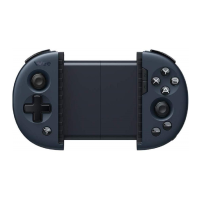
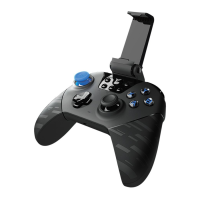
Connect Your Controller
Pull the reel switch ofthe controller to ON, then short press the to open the
menu on the screen, where you can configure the controller mode and button
settings.
c
Connect to a PC
Connect
o
B Back
Open the on screen menu, select [Connect] [PC], and connect the computer and
the controller using a receiver or a cable.Home Capture
connect
Android
Re-pairing
Switch
iOS
More
Ifthe controller is not used for a period of time, it will automatically enter sleep
mode. Press the to wake up the controller. You can modify the sleep timeout
in the Flydigi Space Station.



 To Next Page