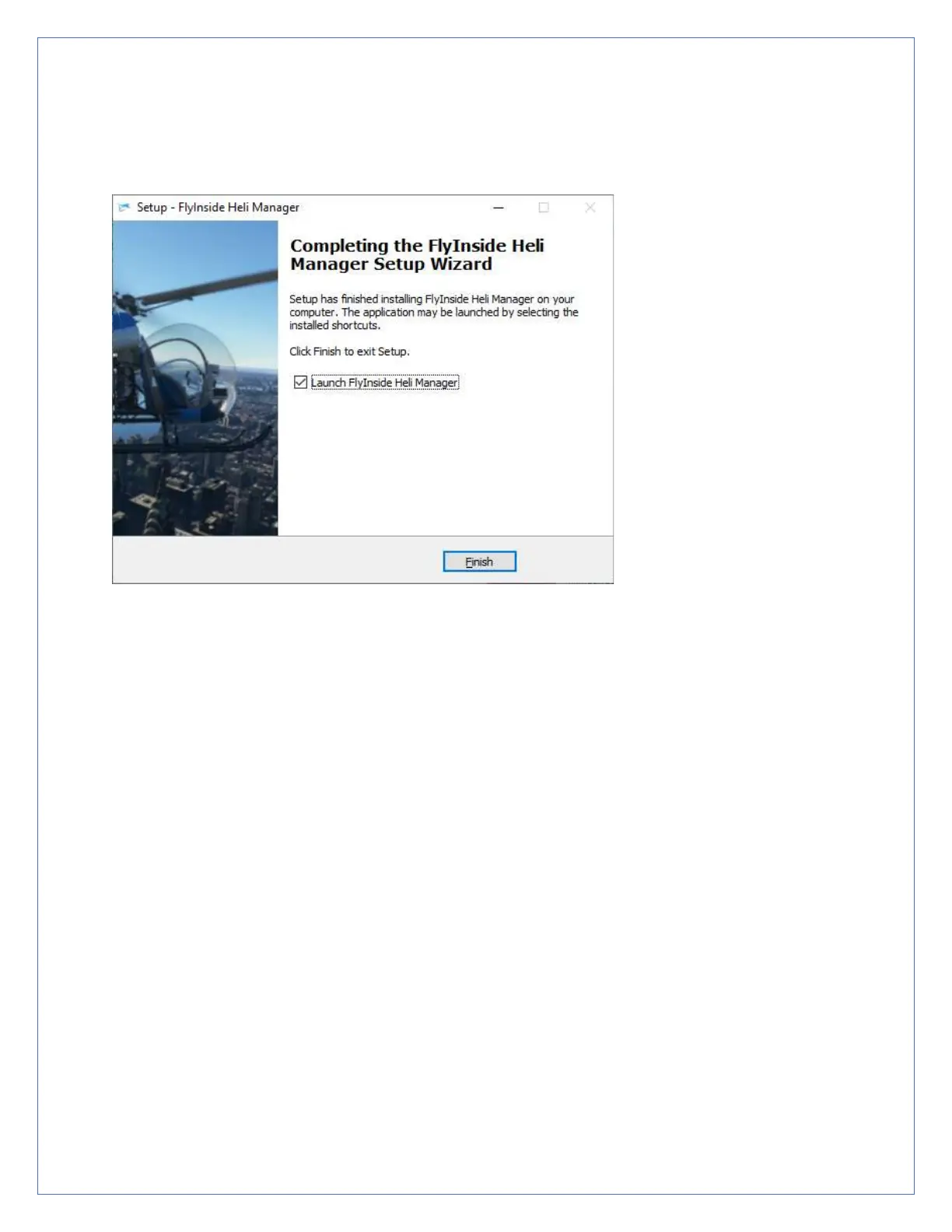
5. After the installer completes, allow it to launch FlyInside Heli
Manager.
A Note on FlyInside Heli Manager
Marketplace Version Differences? In the Marketplace version of the B-47,
the Heli Manager is integrated into the helicopter itself, rather than running
as a separate application. Heli Manager is used only to configure the
flight model. Activation and copyright are handled by Marketplace. See
the pictures on Page 3 of this document.
FlyInside Heli Manager handles copyright protection for the FlyInside B-
47G, and allows you to customize the flight model. By default, FlyInside
Heli Manager will run in the background when you turn on your
computer.
FlyInside Heli Manager doesn’t log any data, or call home randomly. It
will communicate with our servers when you activate a license key, and
occasionally to check for new versions. It’s also designed to use



 To Next Page