ITA
22
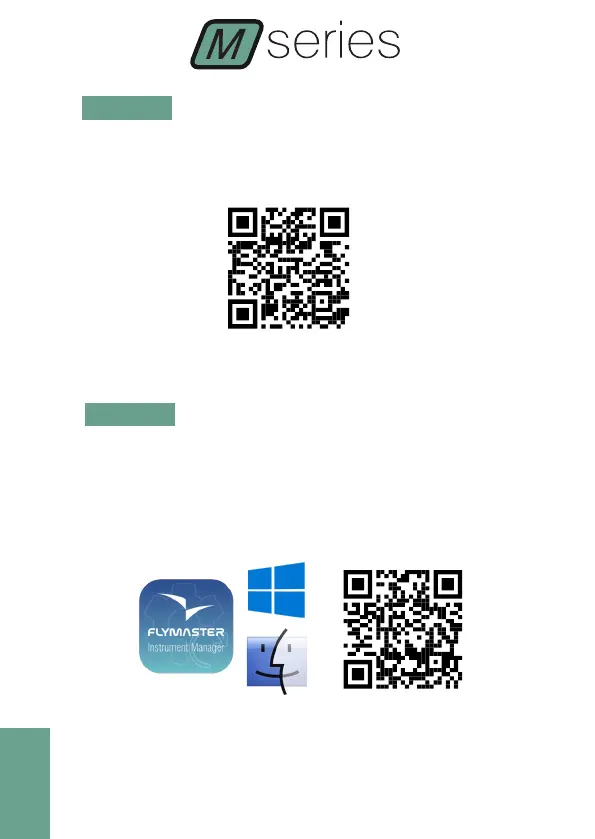
STEP 3 - Registrare lo strumento nell’account personale.
https://livetrack360.com/devices/register
STEP 4 - Installare “Flymaster Instrument Manager” per gestire il
Vario M or GPS M.
F.I.M. consentirà di caricare sullo strumento nuovi spazi aerei, waypoint,
costruire il layout delle pagine, aggiornare il firmware, sincronizzare con
Flymaster Cloud Flights, ecc.
https://www.ymaster.net/downloads
STEP 5 - OPTIONAL FLARM AWARE SERVICE ACTIVATION



 To Next Page