ENG
4
STEP 3 - Register the instrument in your account.
https://livetrack360.com/devices/register
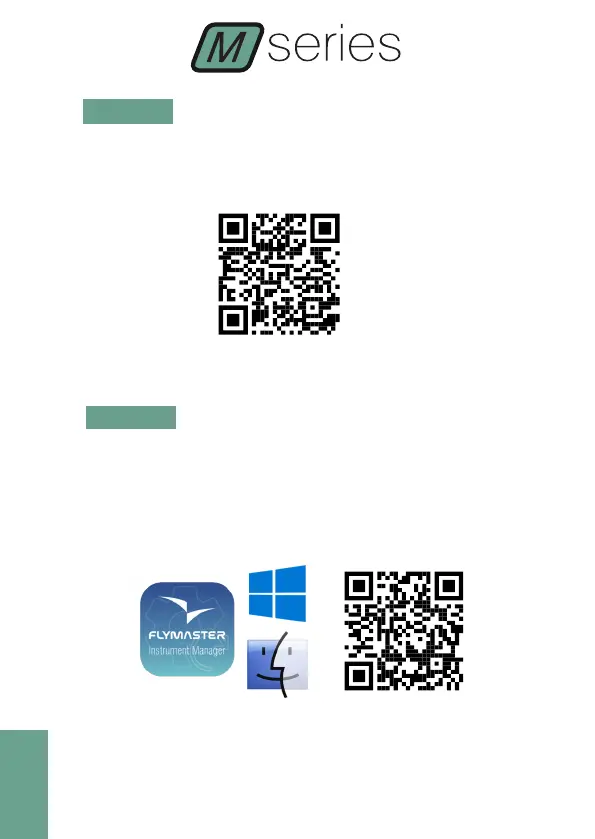
STEP 4 - Install “Flymaster Instrument Manager” to manage your
Vario M or GPS M.
F.I.M. will allow you to send new airspaces to the instrument, sending
waypoints, building page layouts, update firmware, sync to Flymaster
Cloud Flights, etc.
https://www.ymaster.net/downloads
STEP 5 - OPTIONAL FLARM AWARE SERVICE ACTIVATION



 To Next Page