9
3-2 Replace the HD
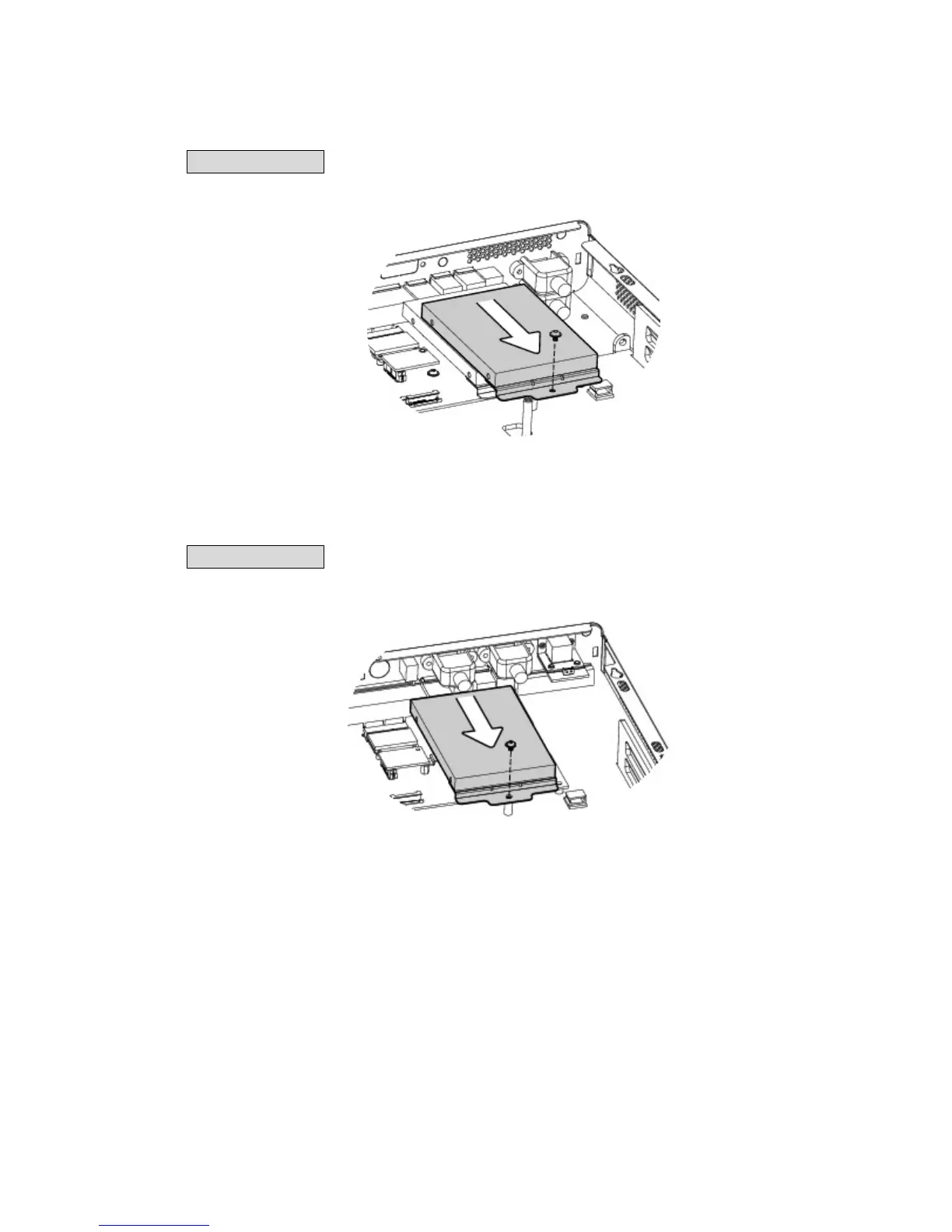
C46 Motherboard
To replace the HD, please remove the top cover as described in Chapter 3-1
1. Remove the screw (x1).
2. Pull the HD away from the system.
C56 Motherboard
To replace the HD, please remove the top cover as described in Chapter 3-1
2. Remove the screw (x1).
3. Pull the HD away from the system.



 To Next Page