24
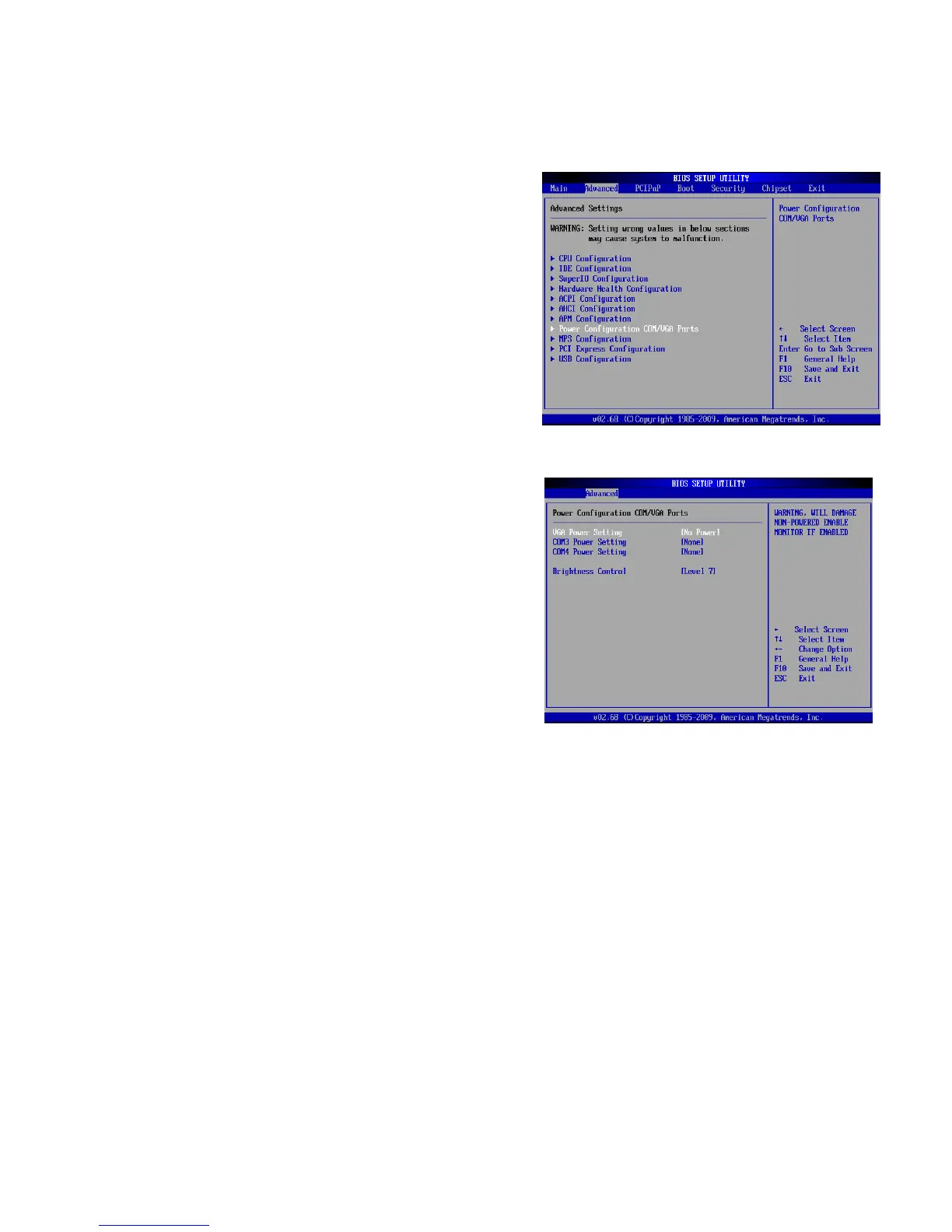
2nd VGA Power Setting
VGA port power must be on through BIOS/Utility for default is “No Power“
1. Power on the system, and press the
<DEL> key when the system is
booting up to enter the BIOS Setup
utility.
2. Select the Advanced tab
3. Select "Power Configuration
COM/VGA Ports" and press <Enter>
to go to display the available
o
tions.
4. To switch on the power, select
"+12V" press <Enter>. Please Save
the change by pressing F10



 To Next Page