1. Check the indicator lights and the engine preheating
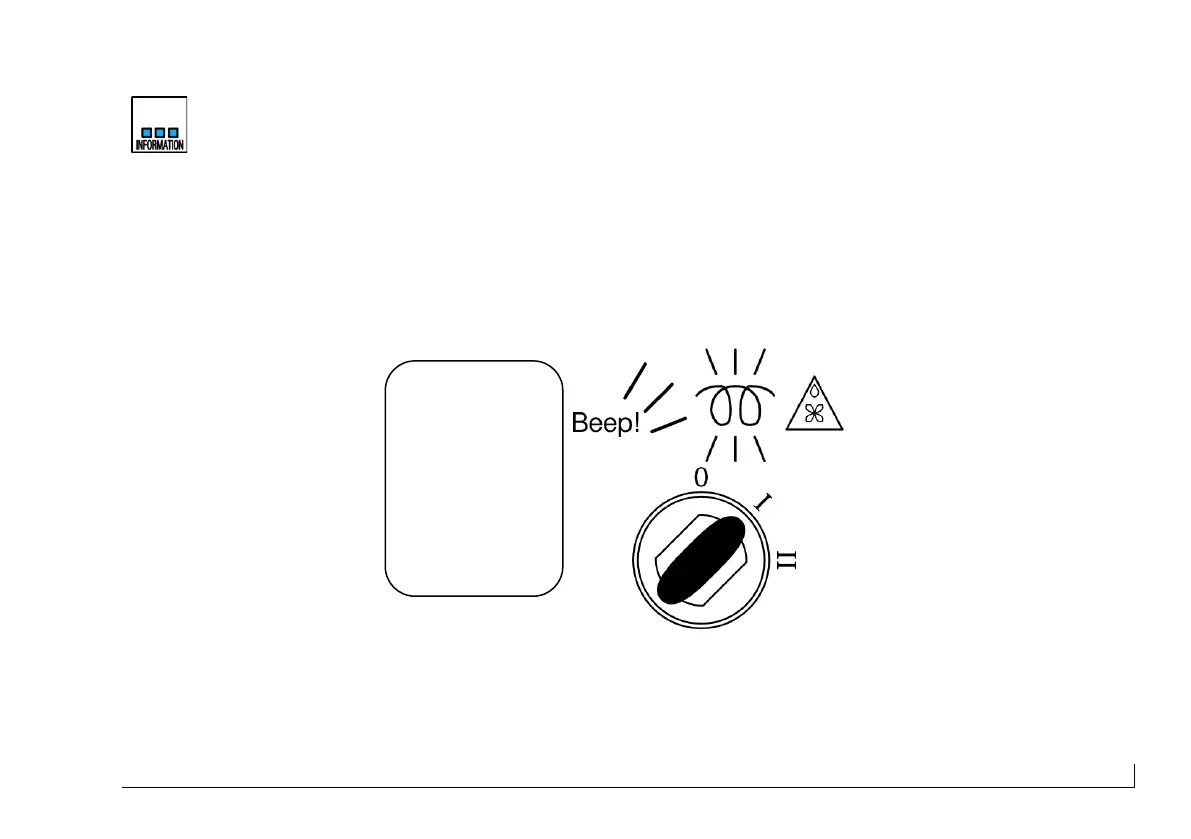
When you turn the key in position (I) the instrument starts the automatic test and the display
shows "The Self Test Mode Is In Operation." The test mode lasts 10 seconds during which
time the buzzer sounds three times and the instrument flashes. Do not start the engine during
the instrument testing phase.
Figure 10 - Situation of the panel with engine off, key to position I.


 To Next Page