16
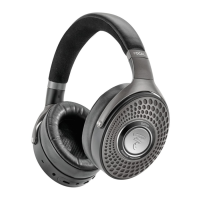
Bathys
EN
User manual
Thank you for purchasing a Focal product. Welcome to our High-Fidelity world. Innovation, tradition,
excellence and pleasure are our values; our one and only aim is to bring you a sound that is rich, pure and
true. To get the most out of your product, we recommend that you read the instructions in this booklet,
then store it in a safe place to refer to in the future.
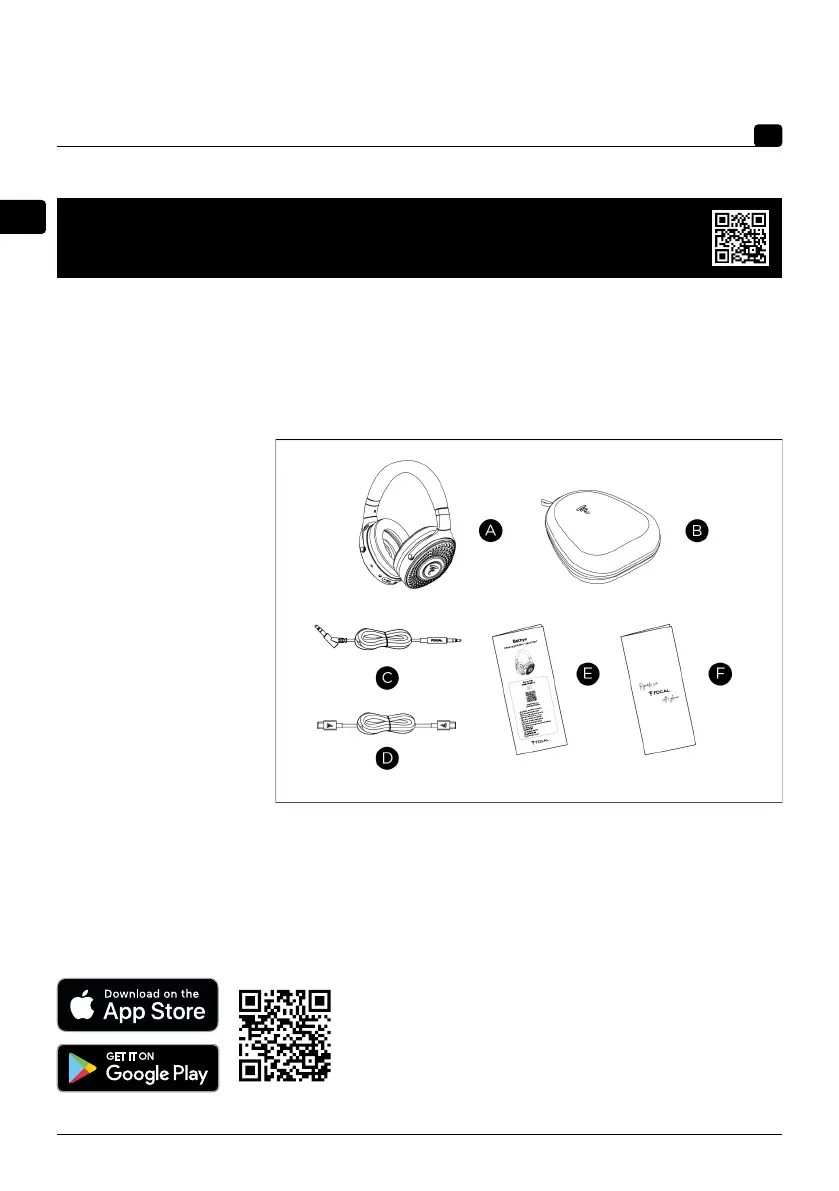
1. Package contents
• 1 x Bathys headphones
• 1 x carrying case
• 1 x Jack cable
• 1 x USB-C® cable
• 1 x Quick Start
• 1 x Brand content
2. Application
The Focal app allows you to configure and control the headphones from your mobile device, including
via your smartphone.
Using the app, you can manage Bluetooth® connections, headphones settings and access any new features
added through updates (EQ).
For development purposes, FOCAL-JMLab reserves the right to modify the technical specifications of its products without prior notice.
Non-contractual images.
- Download the app
App Store
Google Store
- Follow the instructions in the app
To facilitate the Focal-JMlab warranty, it is now possible to register
your product online, at www.focal.com/warranty


 To Next Page