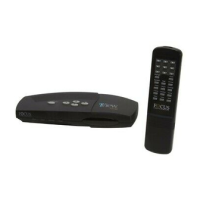
TView Pro AV User's Manual Rev 2.01
24
4.3.2 Connecting the TView Pro AV to communications devices
Slightly different connections schemes are required for RS-232 and RS-422 operation.
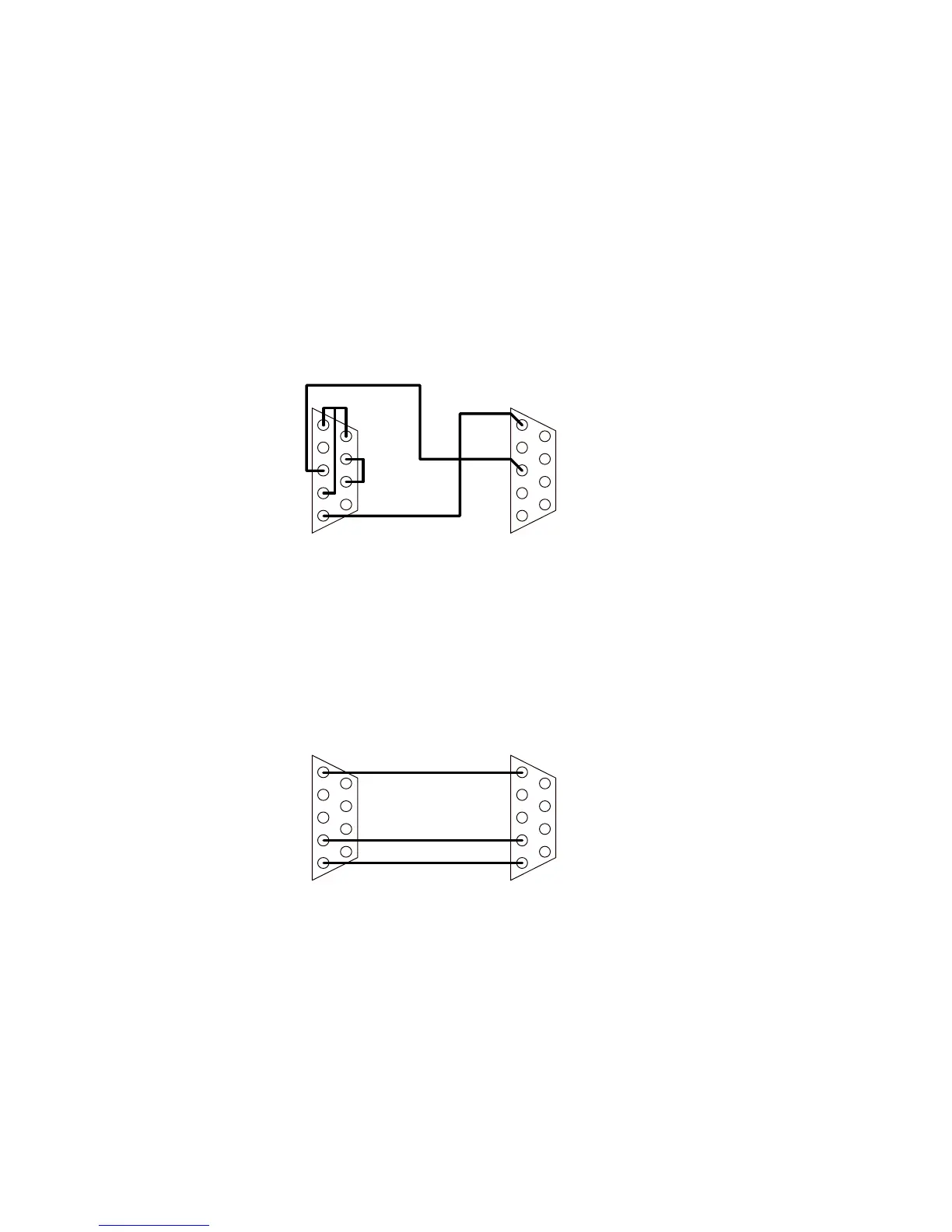
Figure 6 indicates the recommended connections from a DB-9 connector for RS-232 operation. Depending on the way
that the controlling port is programmed, other connections may work as well. The TView Pro AV has no way of handling
the RTS/CTS and DSR/DCD signals.
Figure 7 indicates the recommended connections from a DB-9 connector for RS-422 operation. In this case, a simple 9
pin to 9 pin cable will work in all cases.
Figure 6: Recommended RS232 Wiring
Figure 7: Recommended RS422 Wiring
1 Ground
4 TX Data +
5 TX Data -
Computer
HyperConverterGold
1 Ground
4 RX Data +
5 RX Data -
1 DCD
3 Data
4 RTS
5 Ground
6 DSR
7 RTS
8 CTS
1 Ground
3 Data
Computer
HyperConverterGold



 To Next Page