EN
- 2 -
DESCRIPTION
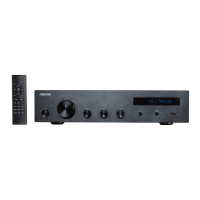
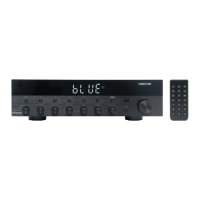
- Distributed audio for PA installations with 100 speakers, also with low impedance output.
- Versatile player for background music.
- It has 2 zone outputs with volume control for different music levels per zone.
- User-friendly operation and a modern, discreet design.
CONTROLS AND FUNCTIONS
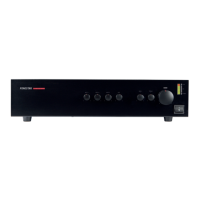
FRONT PANEL
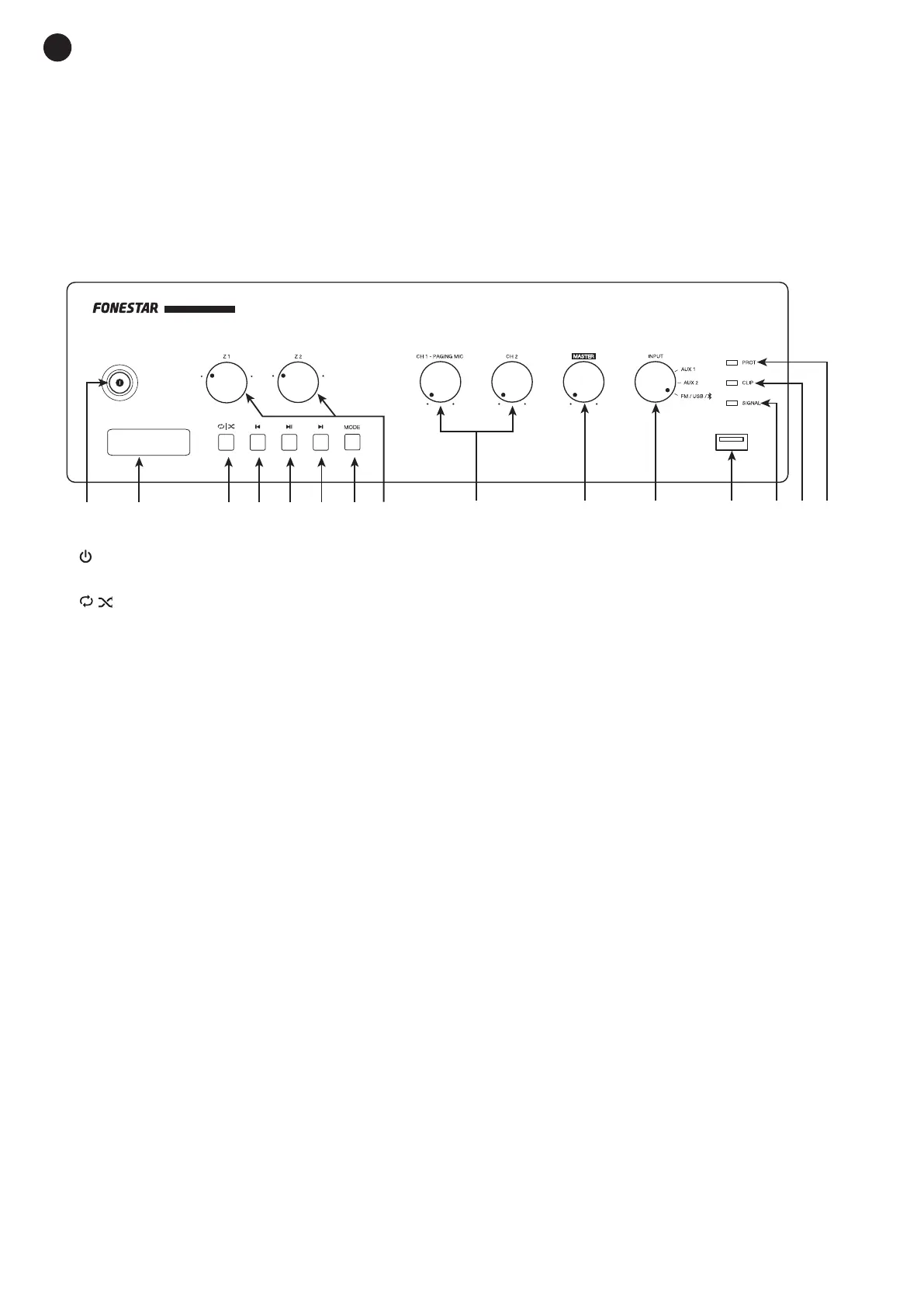
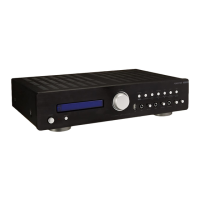
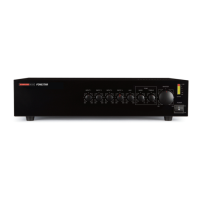
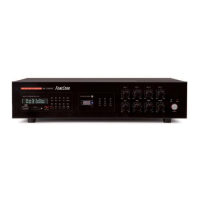
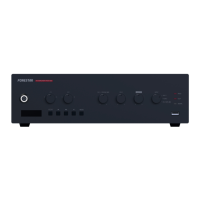
PA AMPLIFIER PROX-60Z
1 2 3 4 85 6 7 109 11 12 1413 15
11 12 13 14 15
1 2 3
4
5
6
7
8 9 10
1.- : indicator light and on/off switch of the amplifier.
2.- Information display.
3.-
| : in USB mode, enable/disable random play.
- RPT ONE: repeats 1 song.
- RPT ALL: repeats all.
- RANDOM: plays all songs in random order.
4.- {: a long press decreases the volume of the player. A short press, in Bluetooth
®
or USB mode jumps to
the previous audio track; in FM mode it jumps to the previous stored frequency.
5.- 12: in Bluetooth
®
or USB mode it plays/stops audio playback; in FM mode, it auto-stores of all detected
frequencies with sufficient signal quality.
6.- }: a long press increases player volume. A short press, in Bluetooth
®
or USB skips to the next audio
track, in FM mode skips to the next stored frequency.
7.- MODE: short presses of this button allow you to change the mode on the player to choose the desired
audio source.
8.- Z1/Z2: volume controls for output zones Z1 and Z2 on the rear panel.
9.- CH 1- PAGING MIC/CH2: volume controls for the CH 1 and CH 2 inputs on the rear panel.
10.- MASTER: volume control of the input selected by the INPUT selector switch
11.- INPUT: input source selector: AUX 1, AUX 2 or the built-in player (FM radio, USB or Bluetooth
®
).
12.- USB port for audio file playback.
13.- SIGNAL signal status indicator light. Lights up when signal is detected at the inputs.
14.- CLIP: signal peak indicator light for each input. If it lights up lightly or occasionally you should reduce
the output volume. If the indicator light stays on continuously, it is because the input signal is very high.
In this case, reduce the input signal volume.
15.- PROT: protection indicator light. Lights up when the temperature channel protection is activated. With
protection enabled, the audio output of that channel is cut off. If this happens, turn off the computer,
make sure that the vents for air intake and exhaust are free of obstructions and turn down the volume
of the input signal.. Wait a few minutes for the appliance to stabilize before you switch it on again.


 To Next Page