DESCRIPTION
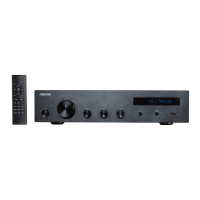
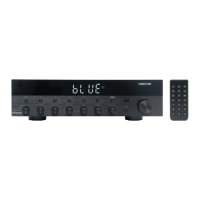
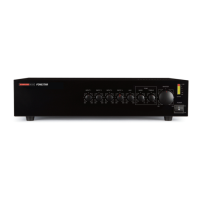
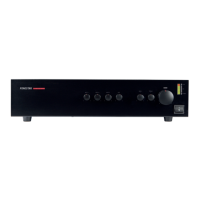
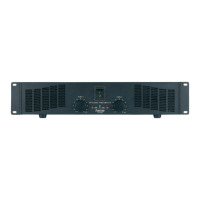
High quality professional power amplifier for stereo or mono use.
CONTROLS AND FUNCTIONS
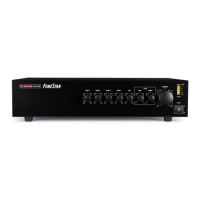
FRONT PANEL
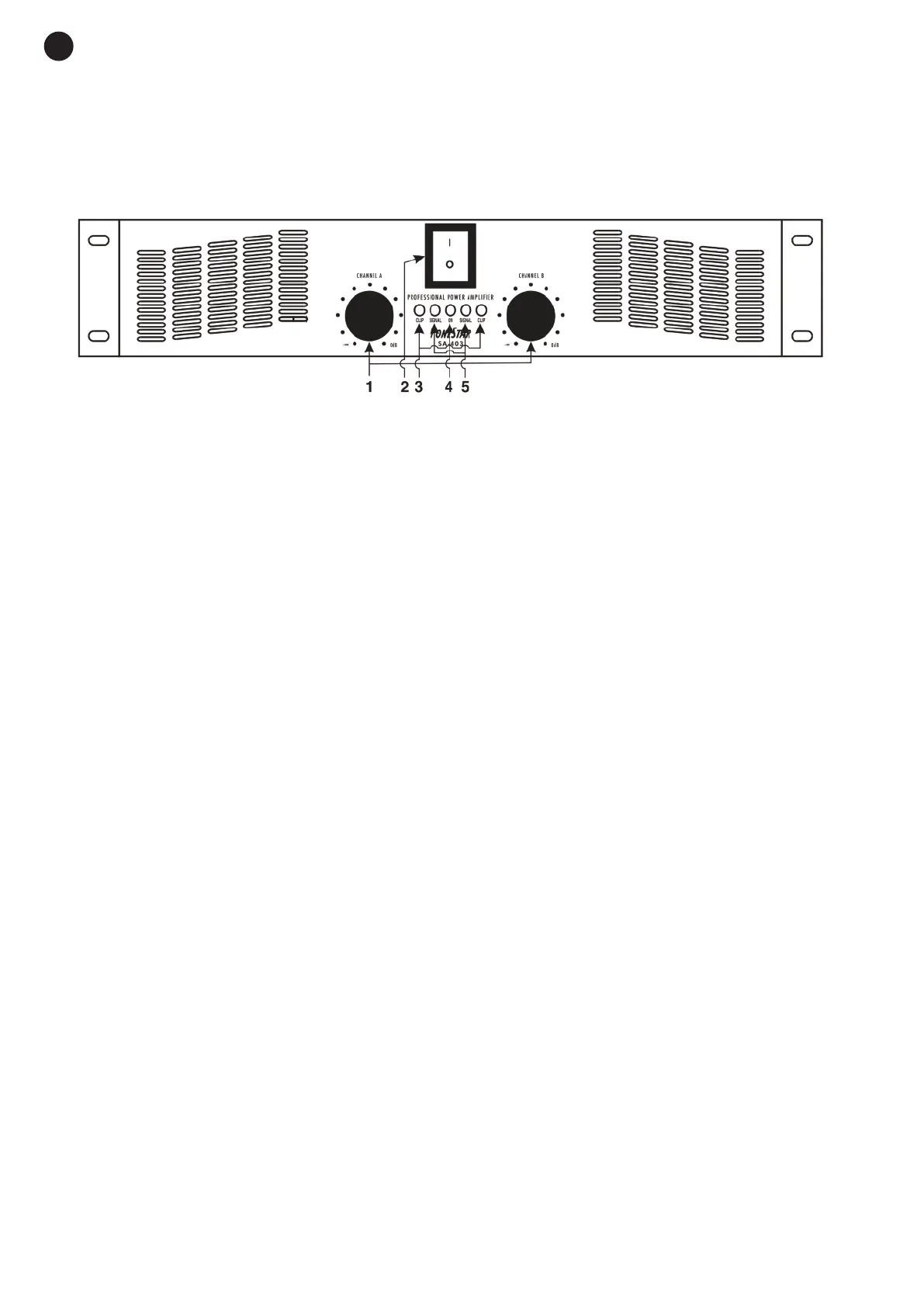
1.- CHANNEL A and CHANNEL B: volume controls.
They are used to control the output volume, independently for each channel. It is recommended that
you do not turn them up to the maximum; the best position is at the ¾ position.
2.- POWER: power switch.
When you press the power switch (ON), the ON LED indicator lights up, the system turns on and is
ready for operating. WARNING: switch it on with the volume controls at their minimum and turn the
volume up once it is on. Before switching the power amplifier off lower the volume controls to the
minimum again.
3.- CLIP indicators for excess peaks of power: when the output power is overloaded or over its
maximum instant value, the LED indicators will light up and sparkle. Lower the input signal level or the
volume of the power amplifier.
4.- ON indicator: this shows that the system is on.
5.- SIGNAL indicators of the input signal in the system: show that there is a signal present in the
amplifier input.
- 4-
EN


 To Next Page