EasyManua.ls Logo

Fora D40g - User Manual

Fora D40g
5 pages
Print Icon
To Next Page IconTo Next Page
Loading...
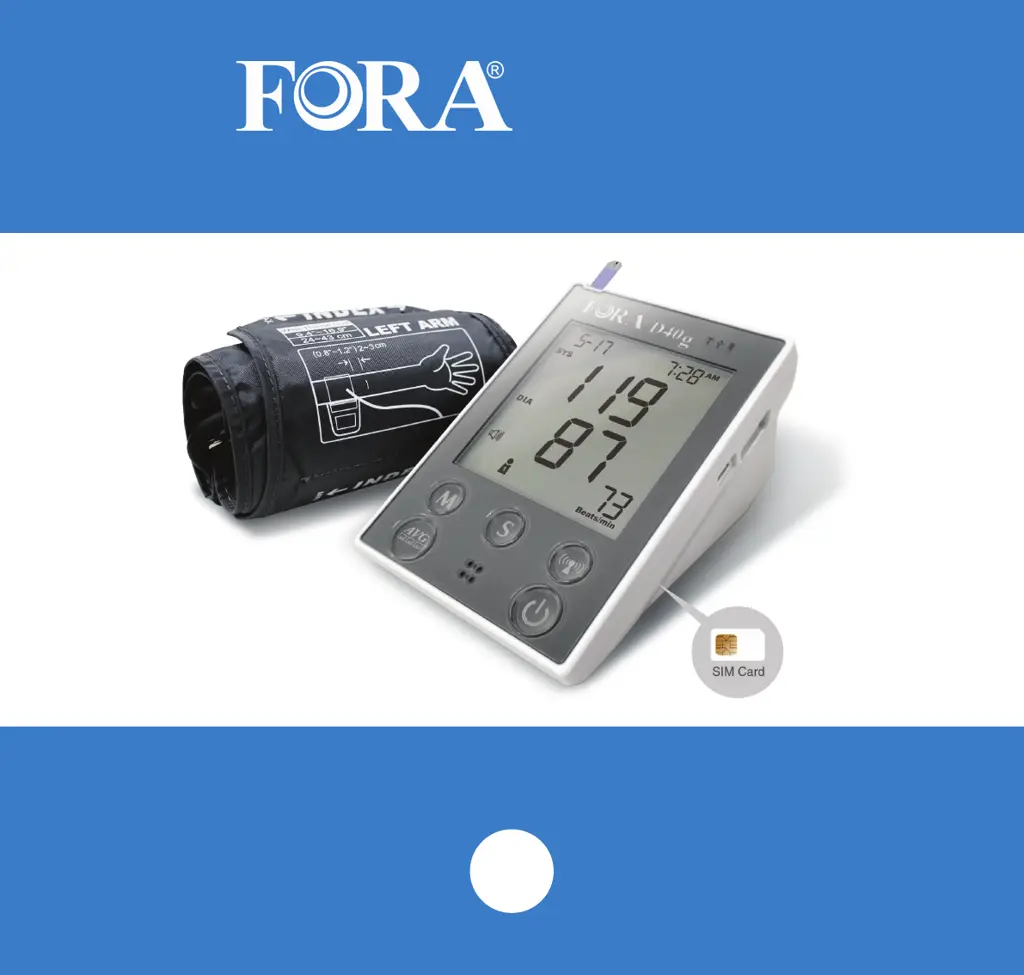
D40g
Blood Pressure and Blood Glucose Monitoring System
Quick Start Guide
EN

Questions and Answers

Summary

Quick Start Guide

Product Overview

D40 g Meter Information

Details on single patient use, auto-off, and automatic data transmission for the D40g meter.

Blood Glucose Strips

Information on expiration dates, opening dates, storage, and contamination of glucose test strips.

Performing a Test

Blood Glucose

Step-by-step instructions for performing a blood glucose test using the FORA D40g meter.

Blood Pressure

Guidance on proper cuff placement and patient positioning for accurate blood pressure measurement.

FAQ

How the D40 g Works

Explanation of the D40g's non-invasive measurement technique and cellular data upload.

Proper Measurement Technique

Guidelines for correct patient positioning and sample application for accurate readings.

Battery Charging Frequency

Information on initial charging, battery lifespan, and recharge indicators.

Using Meter Without Battery

Details on operating the device with A/C adapter and data upload limitations without a battery.

Reviewing Measurement Data

Instructions on checking readings on the meter and accessing the patient portal.

Control Solution Usage

Guidance on using control solution to verify meter and strip accuracy.

Cleaning and Disinfection

Procedures for cleaning and disinfecting the D40g meter safely and effectively.

Troubleshooting

Fora D40g Specifications

General IconGeneral
TypeUpper Arm Blood Pressure Monitor
Measurement MethodOscillometric
DisplayLCD
Cuff Size24-43 cm
Measurement Range (Pressure)30-280 mmHg
Accuracy (Pressure)±3 mmHg
Accuracy (Pulse)±5%
User Profiles2
Irregular Heartbeat DetectionYes
ConnectivityBluetooth
Power Source4 x AA batteries or AC adapter
TechnologyAdvanced Averaging
Measurement Range (Pulse)40-200 beats per minute

Related product manuals