Product Overview
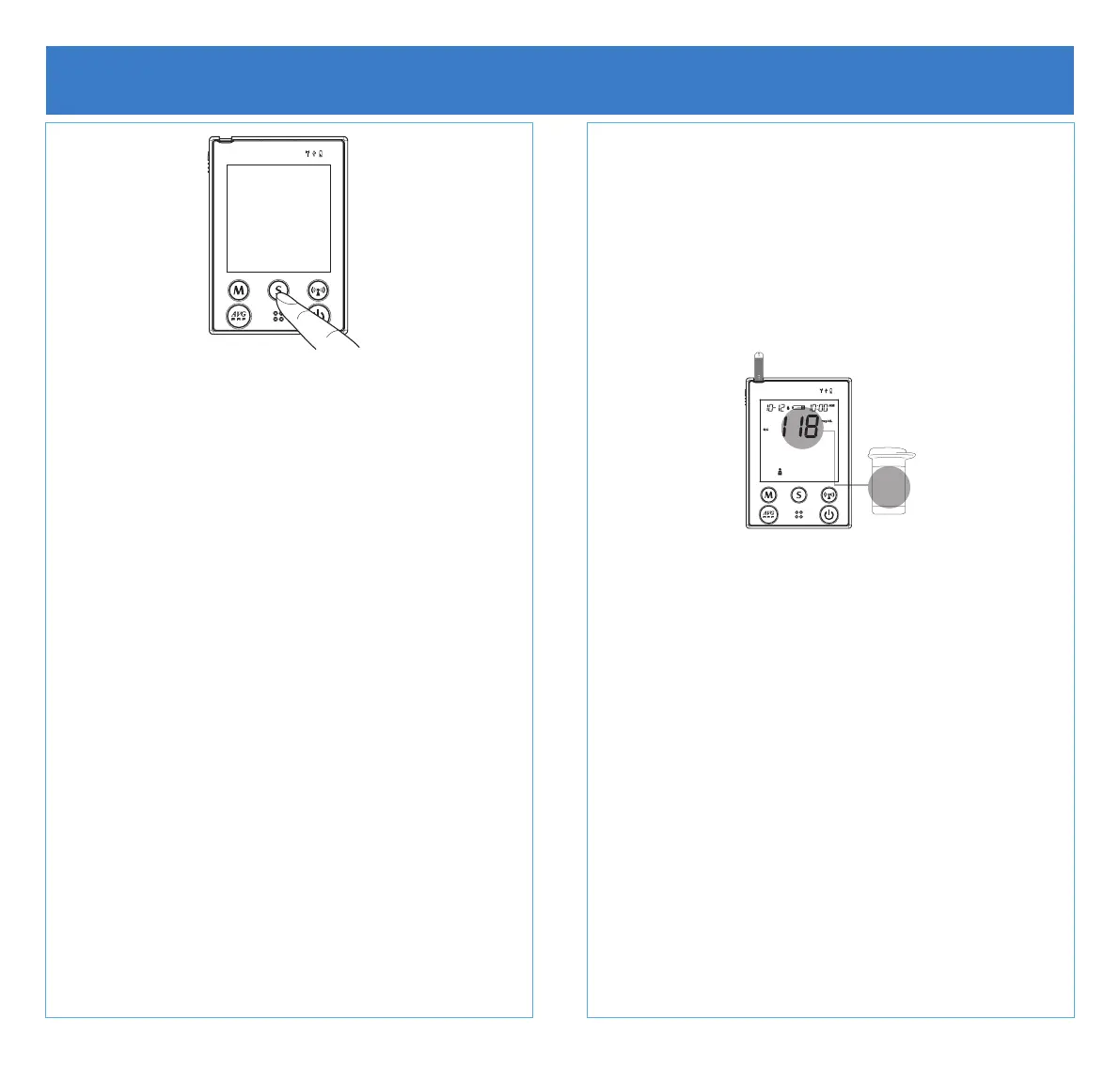
Start with the meter off (no test strip inserted). Hold
S until the meter turns on.
Setting the date and the time
• With the year flashing, press M until the
correct year appears. Press S.
• Repeat with the month/day/hour/minute. Press
M until the correct value appears. Press S.
Volume
• Press M for desired volume (0 mute - 7
highest). Press S.
Language
• Press M to select L1 (English) or L2 (Spanish).
Press S.
AS (Auto Send)
• Press M to set auto send ON or OFF. Press S.
Delete Memory
• Option to delete memory. Press S to skip this
step.
D40g Meter Information
• Intended for single patient use only.
• Meter will switch off automatically if left
idle for 3 minutes.
• Meter should transmit data automatically.
For more information on manual data
transmission or signal quality check,
please refer to the user manual.
Blood Glucose Strips
• Strips have an expiration date. Please
check strip container for the expiration
date before using.
• Strips expire 90 days after opening.
Please mark the date of opening on the
strip container to calculate the expiration
date.
• Expired strips should not be used because
they could provide inaccurate results.
• Strips can be contaminated if not stored in
the original container.
• Storage conditions: 39.2ºF - 104ºF (4ºC -
40ºC).
118-160
Normal



 To Next Page