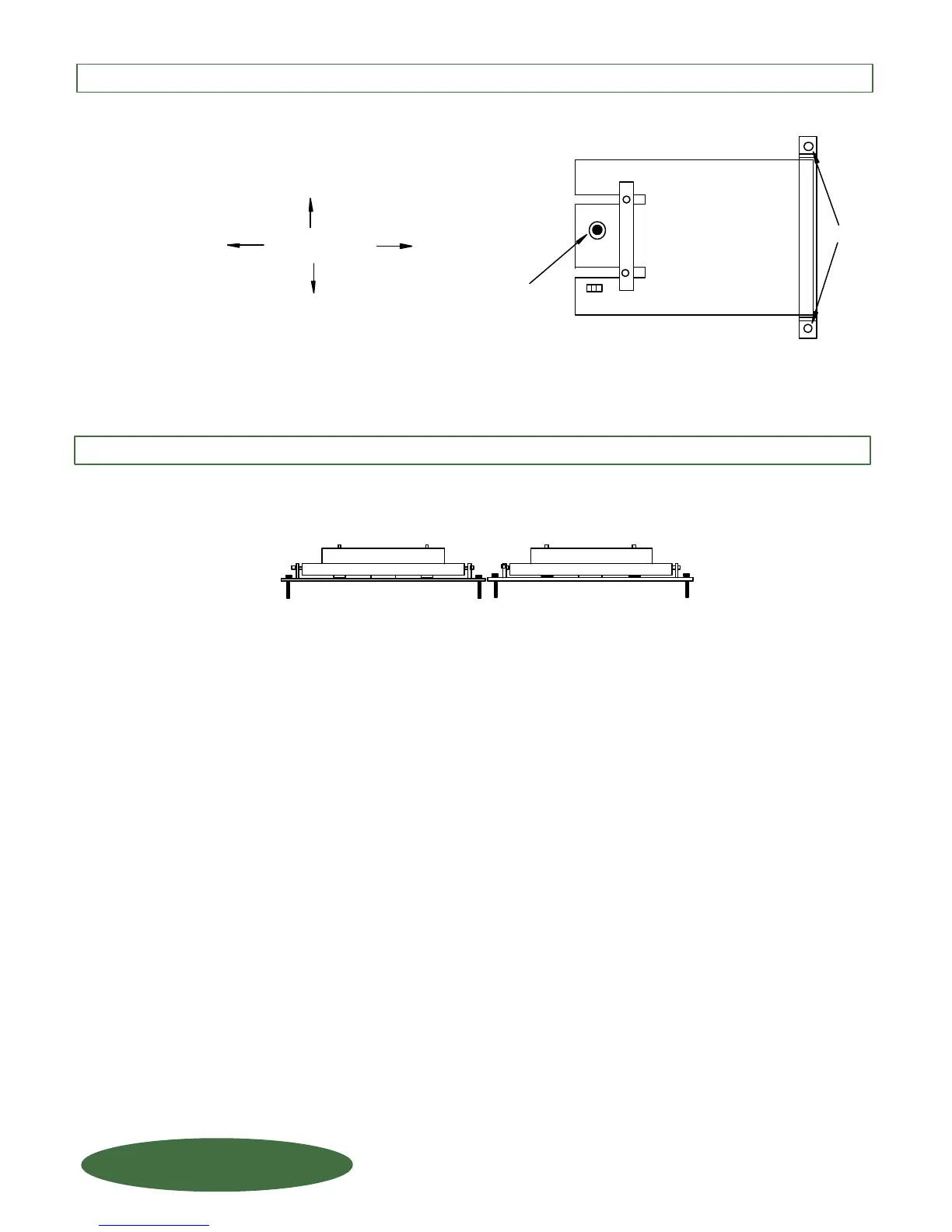
To mount additional scales side-by-side, be sure to allow for the frame hinge when determining the
distance between platforms (if minimizing floor area) and repeat Step 1 - 5.
(G) If the "BLACK DOT" on the Load Cell Button is not centered
in the hole on the platform loosen the floor anchor bolts slightly and
adjust platform as needed. Once proper alignment is achieved,
tighten the anchor bolts.
Adjust platform for
proper alignment.
Loosen
"BLACK DOT" on
Load Cell should
be centered in hole
on platform.
STEP 4: ANCHORING THE LOAD CELL cont....
STEP 5: MOUNTING ADDITIONAL SCALES
FORCE FLOW
FORCE FLOW
F
F
L
L
O
O
Q
Q
I
I
U
U
P
P
1150-D Burnett Ave, Concord, CA 94520 USA
1-800-893-6723 US & Canada, Fax: 925-686-6713
WWW.FORCEFLOW.COM / INFO@FORCEFLOW.COM
REF: T4\O&M\CARBWIZ\CARBO&M4.tcw (L06.pdf)
S.1.106
W.1.106



 To Next Page