EasyManua.ls Logo

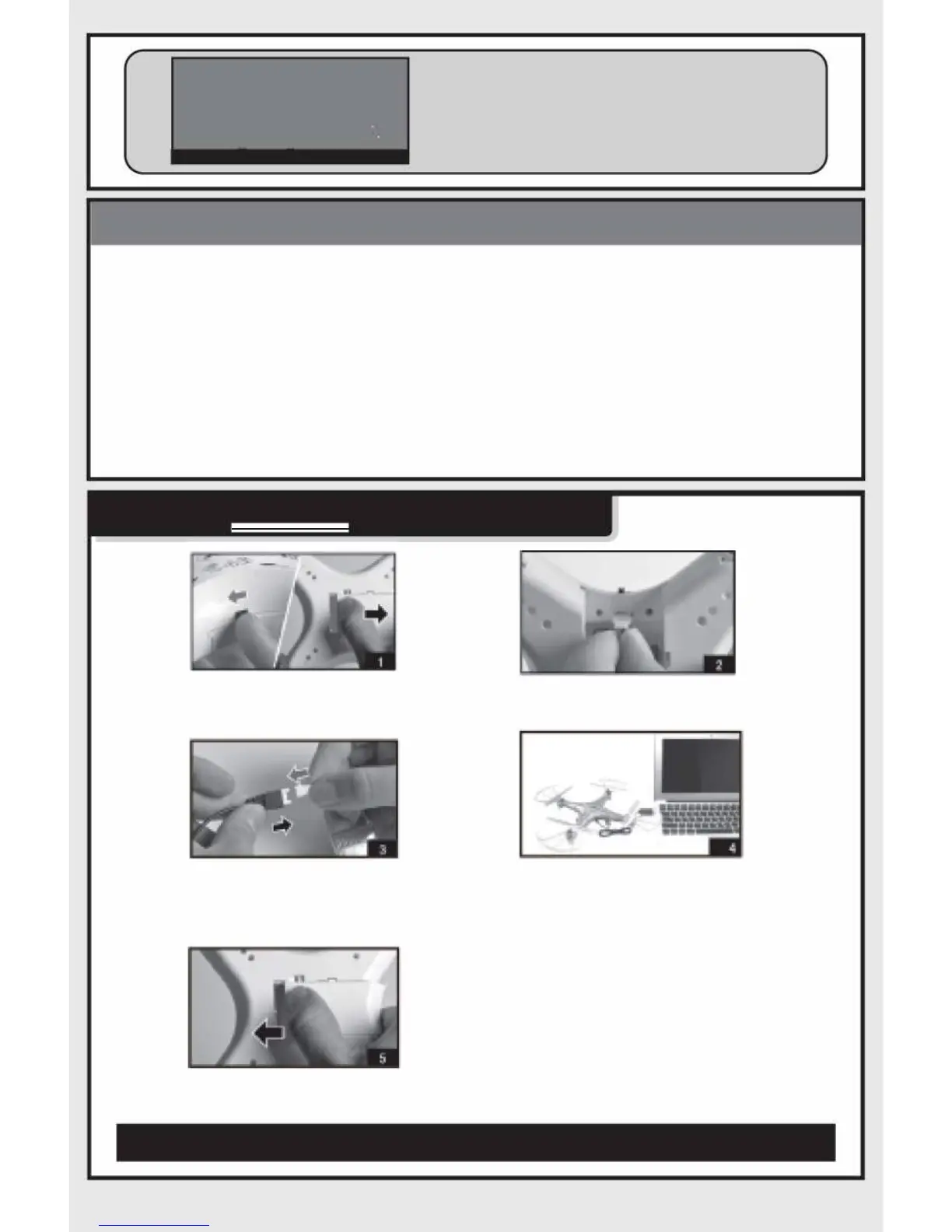
FORCE FLYERS 2.4G GYROSCOPE EXPLORER - Cautions; Changing the Battery

Default Icon
7 pages
Print Icon
To Next Page IconTo Next Page
To Previous Page IconTo Previous Page
Loading...





CAUTIONS:


e



 

CHANG
I
NG THE BATTERY











remove it from

the drone, attach it to the pr
ovided
USB charging cable and connnect to
any USB charging port. The light on
USB cable wil turn ON when
charging the battery and will turn OFF
when the battery is fully charged
Caution: When using the computer for
charing please remember to pul out
the charging cable before shutting
down the computer.
 
8
 
-3-