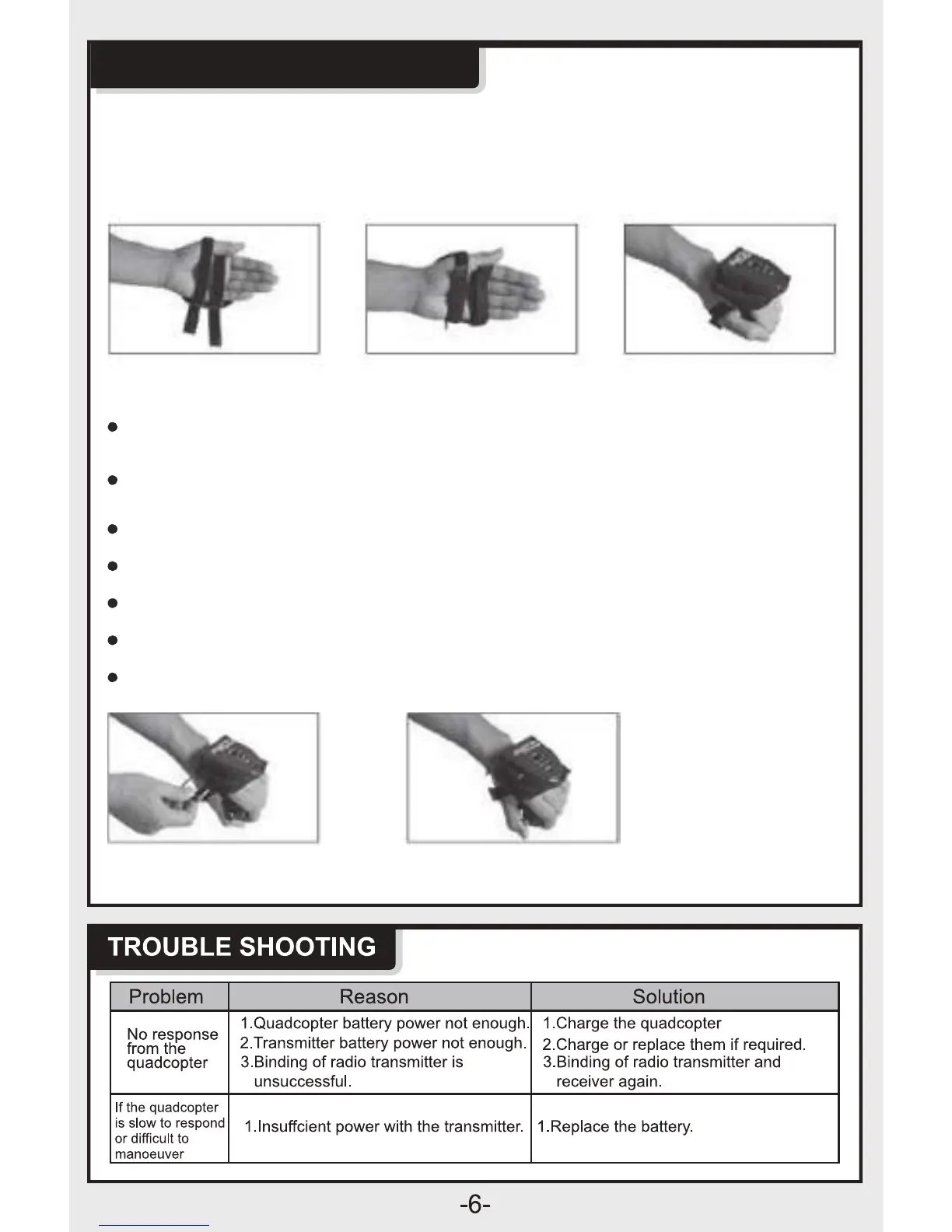
Putting The Glove On
Place the elastic straps on your hand as shown below and tighten to desired
comfort.
Hand Motion
Be sure to keep your hand parallel to the ground when starting your
flight - this is the hover position.
Insert the connector plug of the throttle controller into the connector jack of the
glove - be sure it is completely inserted and no fabric is impeding the connection
Tilt your hand down t
o fly the drone forward
Tilt your hand up to fly the drone backward.
Tilt your hand left, the drone will t
urn
left.
Tilt your hand right, the drone will turn right.
Keep your hand flat and parallel to the ground to hover.
FLYING INSTRUCTIONS



 To Next Page